Introduction
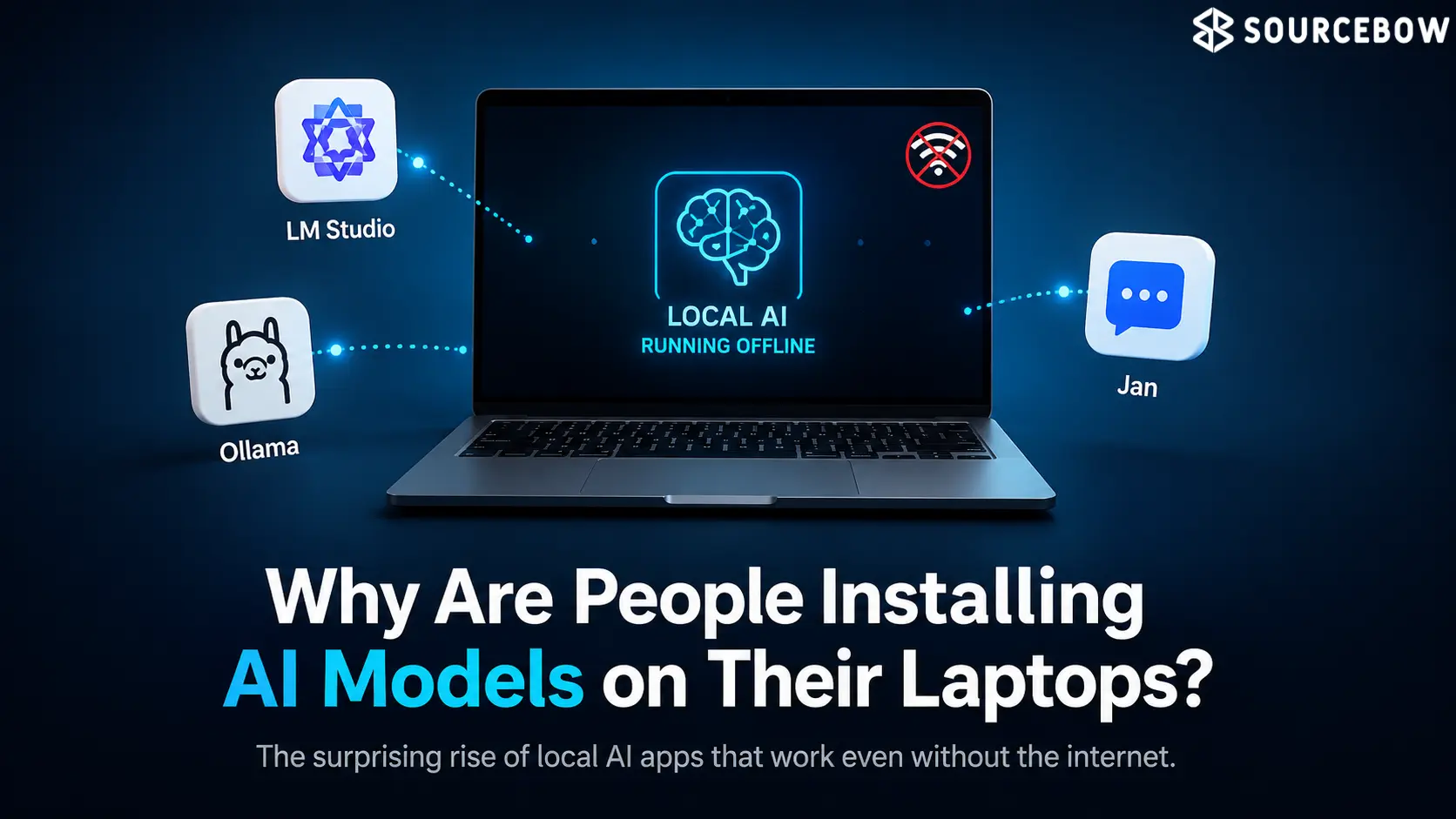
There’s something a little funny happening with AI right now. The flashy cloud chatbots still get most of the attention, but offline Local AI Models is starting to feel less like a backup plan and more like the version people actually want when privacy, speed, and internet access matter. If you’ve ever had an app stall the second your connection got shaky, you already know why this matters.
The appeal is pretty simple: use AI without handing everything to the cloud, and keep going even when the connection disappears. That sounds small on paper, but in real life it changes the whole mood of using a chatbot. You stop wondering what’s being sent somewhere else, and you stop treating the app like it’s fragile. It just works. And honestly, that alone is enough to make local AI models feel more human and useful than people expect.
Quick Highlights
- Offline AI keeps working when the network doesn’t.
- Local AI Models processing usually feels more private and calmer.
- Some apps now support text, image, and voice tasks.
- Small-device testing is getting surprisingly serious.
- Subscriptions aren’t always part of the deal.
Why local AI models feel different?
They’re not just “chatbots without Wi-Fi” — they change the whole feel of using AI. That’s the part people miss at first. When a model runs on your device, the conversation feels more immediate. There’s less waiting, less second-guessing, and less of that weird invisible distance you get when every prompt has to travel to a server and come back.
And yes, privacy is a huge part of it. But it’s not only about privacy in a dramatic, headline way. It’s also about the quieter kind of comfort that comes from knowing your questions, drafts, notes, and little experiments aren’t constantly being shipped off somewhere else. For a lot of people, that’s enough to make local AI models feel more trustworthy.
- They keep working when the internet drops.
- They usually feel faster because the work happens on-device.
- They can reduce the anxiety of sending private prompts to the cloud.
- They often make AI feel more like a tool than a service you’re renting.
There’s also a more practical side here. If you’re traveling, in a weak signal area, or just trying to avoid using cloud tools for everything, offline AI feels less like a novelty and more like a sensible default. That shift is kind of the story of this whole space.
Google AI Edge Gallery
Google’s offline option feels surprisingly polished, and that’s probably why it stands out so quickly. It supports text, images, and voice, which already makes it feel broader than the average experimental app. Then there are extras like Agent Skills and Prompt Lab, which give it a more serious, built-out feel instead of the usual stripped-down demo vibe.
The weird little detail that sticks with you most is that it doesn’t store chat history. In a way, that’s almost the point. You’re not building a long-term conversation archive in the cloud. You’re using the model more like a local assistant that shows up, does the job, and doesn’t hang around collecting a record of everything you said.
That design choice will probably feel amazing to some people and slightly annoying to others. If you like revisiting old chats, it’s not ideal. But if your main concern is keeping things private and light, it makes a lot of sense. And in the growing world of Google AI Edge Gallery, that balance between convenience and privacy is exactly what makes the app interesting.
What’s easy to miss is how polished that kind of offline experience can feel once the basic pieces are in place. You aren’t just testing a model. You’re using a product that seems designed around the reality of local use, which is still rare enough to notice.
MNN Chat
MNN Chat takes a more open, practical approach. It’s aimed at smaller models and real-device testing, which gives it a different personality right away. This doesn’t feel like an app trying to wow you with a giant cloud-powered demo. It feels more like something built for people who want to actually measure, compare, and tinker on a phone that exists in the real world.
That’s where its built-in benchmarking gets interesting. A lot of apps talk vaguely about speed or performance, but benchmarking forces the conversation to get specific. You can see how a model behaves, not just guess. For anyone trying to understand what their device can really handle, that’s a big deal.
It also makes MNN Chat feel less like a toy. There’s a real sense that it belongs in the hands of people who want to test model behavior, compare device performance, or figure out what kind of offline experience they can reasonably expect from smaller hardware. That’s not flashy, but it is useful.
| Feature | Google AI Edge Gallery | MNN Chat |
|---|---|---|
| Main focus | Polished offline assistant experience | Open testing and practical model benchmarking |
| Supported input | Text, images, and voice | Smaller models on real devices |
| Special extras | Agent Skills and Prompt Lab | Built-in benchmarking tools |
| History handling | Doesn’t store chat history | Focused more on testing than long chat archives |
What people are really getting out of offline AI
The benefits are obvious, but not in a flashy way. You get no internet dependence, less privacy anxiety, and no subscription wall sitting between you and the tool. That combination is doing a lot of work here, because it removes three of the most common reasons people back away from AI apps in the first place.
And that’s probably why these apps feel more interesting now than they would have a year ago. A year ago, local AI might have looked like a hobbyist project or a workaround for people with unusual needs. Now it looks more like a response to normal frustration. People are tired of tools that vanish when the network is bad. They’re tired of wondering where their data is going. They’re tired of paying for access to something that feels temporary.
That’s where offline AI starts to make real sense. It doesn’t need to be the smartest model in the room. It just needs to be dependable. It needs to feel close, quick, and private enough that people don’t have to think about the machinery behind it every time they type a message. In everyday use, that’s a bigger deal than it sounds.
There’s also a subtle psychological advantage. When a model lives on your device, it feels less like a service and more like a tool you own. That can change how often you use it, and how casually you rely on it for drafts, summaries, brainstorming, or quick answers. Small shift, big difference.
Conclusion
Offline AI is attractive for a reason: it solves the internet problem without making users feel exposed. That’s a pretty clean value proposition, and it’s easy to understand why people are warming up to it. You don’t have to trade convenience for privacy every time you open the app. You don’t have to stay online just to ask a simple question.
And for a lot of people, that may end up mattering more than raw model hype. The smartest chatbot in the world is still frustrating if it depends on perfect connectivity or makes you uneasy about what happens to your prompts. Local tools don’t have to win every benchmark to win the everyday experience. Sometimes being the calmer, more dependable option is enough.
FAQ
These questions tend to come up once people realize offline AI is more than just a niche workaround.
Q: Do local AI models work without internet?
Yes, once installed, they can run offline on the device itself. That’s the main appeal, really — you’re not waiting on a server connection every time you want an answer.
Q: Are local AI apps better for privacy?
Usually, yes, because user data stays on the phone instead of being sent out constantly. That doesn’t magically solve every privacy concern, but it does reduce the amount of data moving around.
Q: Which devices can run offline AI apps?
They’re generally designed for smartphones, though performance depends on the app and model size. Bigger models ask more from the device, so not every phone will feel equally smooth.
Q: Do local AI models need a subscription?
Not necessarily, and many are usable without one. That’s one reason they’re getting attention from people who want useful AI without another monthly bill.