Introduction
The shift is already visible: CPU specs used to be the main buying point, and now AI PC NPU features are changing what matters first. If you’ve looked at a modern laptop and felt a little lost in the alphabet soup, you’re not alone. The truth is, NPU Vs GPU Vs CPU isn’t just a spec-sheet debate anymore. It affects battery life, speed, and which AI features actually run on the device instead of in the cloud.
This is really a comparison of where your laptop’s work gets done, from browsing and MS Office to speech recognition and GPU AI model training. So, instead of thinking of these chips as rivals, it helps to see them as teammates with different jobs.
Quick Highlights
- CPU handles everyday system work.
- GPU is built for heavy parallel tasks.
- NPU helps AI features run locally and efficiently.
- They’re not interchangeable, even if they sound similar.
- Using all three well can improve battery life and responsiveness.
What a GPU, NPU, and CPU each are built to do
The three processors look similar from the outside, but they solve different problems inside the laptop. That’s where the confusion starts. A lot of people hear “faster chip” and assume it means better at everything, but that’s not how it works.
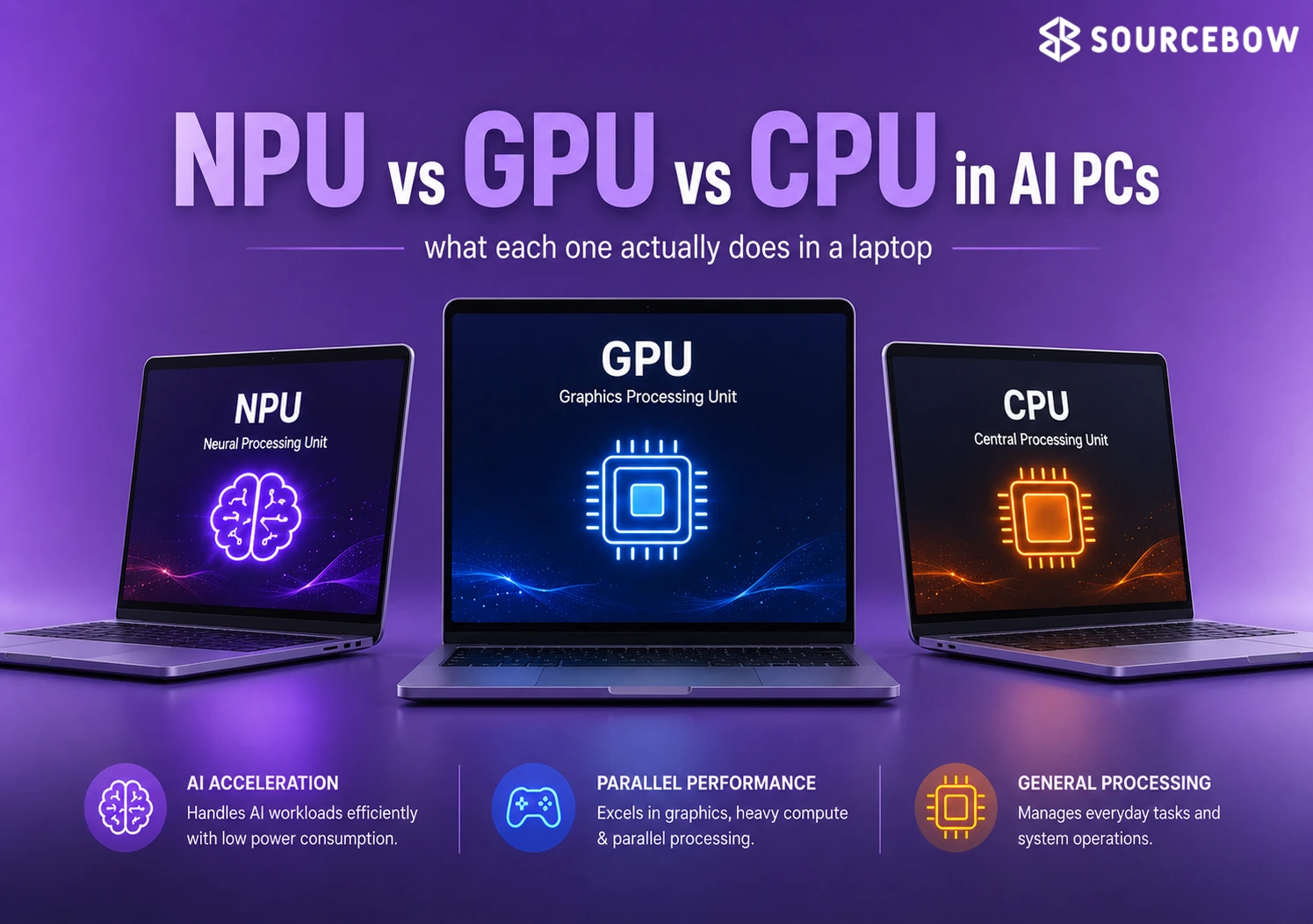
The GPU started with graphics rendering and now handles parallel workloads, the NPU is tuned for on-device AI workloads, and the CPU remains the general controller for everyday tasks. In plain English, the GPU is great at doing many things at once, the NPU is great at efficient AI jobs, and the CPU is great at keeping the whole machine organized.
That difference explains why one machine can feel fast in games, quiet in AI features, and still responsive when you open multiple apps. It’s not magic. It’s task matching.
The GPU is for graphics first, but it now does far more
The GPU, or Graphics Processing Unit, was originally made for rendering graphics and now also supports AI and machine learning. Think of it like a huge workbench with tons of hands available at once. When a job can be split into lots of small pieces, the GPU usually shines.
It has thousands of cores, uses VRAM, can be integrated or discrete, and is used for gaming, content creation, simulation, AI model training, and machine learning research. So if you’re editing video, running a demanding game, or training a model, the GPU is often the chip doing the heavy lifting.
The NPU is for AI features that run locally
The NPU, or Neural Processing Unit, is designed for speech recognition, facial data, and other AI tasks that need low latency and low power. That “low latency” part just means it reacts quickly, which matters when you want a feature to feel instant instead of delayed.
It uses simplified or low-precision arithmetic, has on-chip memory, and is built to take over supported AI workloads from the CPU without dragging battery life down. In everyday use, that can mean your laptop quietly handles an AI effect in the background without turning into a tiny space heater.
The CPU still runs the computer itself
The CPU, or Central Processing Unit, handles system resources, executes commands, and keeps the laptop’s general-purpose work moving. If the laptop were a restaurant, the CPU would be the manager making sure orders are routed, tables are seated, and nothing gets chaotic.
It is used for browsing, MS Word, MS Excel, streaming videos, and running software applications, with sequential processing as its core behavior. In other words, it’s not trying to do a million identical tasks at once. It’s usually better at handling a chain of instructions, one step after another, reliably.
Why NPU, GPU, and CPU are not interchangeable
The real question is not which processor is “best,” but which one fits the job in front of it. That’s the heart of NPU Vs GPU Vs CPU. A spec sheet can make everything look comparable, but inside the laptop, the roles are very different.
The same laptop can use all three differently: the CPU manages the system, the GPU takes heavier parallel jobs, and the NPU handles smaller AI tasks with better power efficiency. That split is why specs that sound similar on paper can behave very differently in daily use.
| Processor | What it is optimized for | Power behavior |
|---|---|---|
| NPU | Smaller, less complex workloads such as speech recognition | Consumes low power for AI workloads |
| GPU | Graphics rendering and heavier AI workloads like machine learning | Consumes high power for AI workloads |
| CPU | General-purpose processing and system resource management | Consumes moderate power, but not great for AI workloads |
How these processors split work inside a laptop
When a laptop has all three, the workload gets divided by type rather than dumped onto one chip. And honestly, that’s a big reason newer machines feel smoother than older ones, even when the raw specs don’t look dramatically different.
The GPU handles heavy computing and graphics, the NPU handles AI in the background with minimal latency, and the CPU stays free for core system operation. That is where smoother multitasking, better battery life, and less wasted processing come from. It’s a little like having three people in a kitchen instead of one person trying to chop, cook, and plate everything at once.
Why this matters for battery life and responsiveness
Offloading repeated AI tasks to the NPU lowers internet dependency, improves security, and reduces strain on the rest of the system. The benefit isn’t just technical, either. You notice it when your laptop stays cooler, lasts longer, and doesn’t feel bogged down by a bunch of small background jobs.
That matters most in everyday AI PC moments like background blur, eye contact correction, noise cancellation, voice recognition, and language translation. These are the kinds of features people start using casually, then quickly realize they don’t want to give up.
GPU vs NPU: when the laptop needs one more than the other
GPU and NPU are both parallel processors, but they are built for very different kinds of AI work. So if you’re wondering which one “wins,” the answer is: it depends on the task.
The NPU is the better fit for continuous on-device AI features, while the GPU is the better fit for AI model training, machine learning, and other high-intensity workloads. That is why modern AI PCs use both instead of treating them as substitutes.
What an NPU adds to a Copilot+ PC laptop
A Copilot+ PC laptop with an NPU is aimed at smarter local features, not brute-force training work. In practical terms, it’s there to make the everyday AI stuff feel invisible in a good way.
Its strengths are background blur, eye contact correction, noise cancellation, improved voice recognition, and real-time language translation, all while keeping power use lower. If you’ve ever joined a call on battery and worried about every extra feature eating into runtime, this is exactly the kind of hardware that helps.
What a GPU adds when the workload gets heavier
The GPU becomes essential when the work stops being light and repetitive and starts needing raw parallel throughput. That’s when the extra cores and memory bandwidth matter a lot more than quiet efficiency.
That includes AAA gaming, training AI models, content creation, and machine learning, where a higher-spec GPU matters much more than on-device convenience. In other words, if the task is huge and hungry, the GPU is the one you want backing it up.
Why both chips matter in future-facing AI PCs
The best setup is usually not “NPU or GPU,” but both working alongside the CPU. That balance is what makes modern machines feel more flexible, not just faster on one benchmark.
That combination gives faster AI responses, better battery efficiency, and improved security across on-device features and cloud-based workloads. It also means your laptop can stay useful whether you’re doing everyday admin work or something more demanding later in the day.
ASUS Zenbook 14 (UX3407) and Zenbook S14 (UX5406) are positioned around that idea. They’re examples of how laptop design is moving toward shared responsibility instead of putting every burden on one processor.
FAQ
These are the questions that come up once the basics are clear but the buying decision still isn’t.
Q: How is NPU different from GPU and CPU?
An NPU is built for on-device AI features like speech recognition and face recognition. A GPU handles graphics and heavier AI work like machine learning, while a CPU manages system tasks and runs instructions one at a time.
Q: Are GPU TOPS better than NPU TOPS?
Not really, because they are measuring chips that do different jobs. A GPU may post higher TOPS for heavy parallel work, while an NPU gives better battery efficiency for smaller AI tasks such as speech recognition and face recognition.
Q: Will NPUs replace GPUs?
No. NPUs complement GPUs by taking over local AI features, while GPUs still matter for graphics rendering, AI model training, and machine learning.
Conclusion
The point of NPU vs GPU vs CPU is simple: each chip earns its place by doing a different kind of work well. Once you see that, the whole laptop spec sheet makes a lot more sense.
If you want a laptop that feels efficient in AI features as well as everyday use, look for a system where the CPU, GPU, and NPU are working together instead of competing for the same job. That’s the real sweet spot for a modern AI PC.