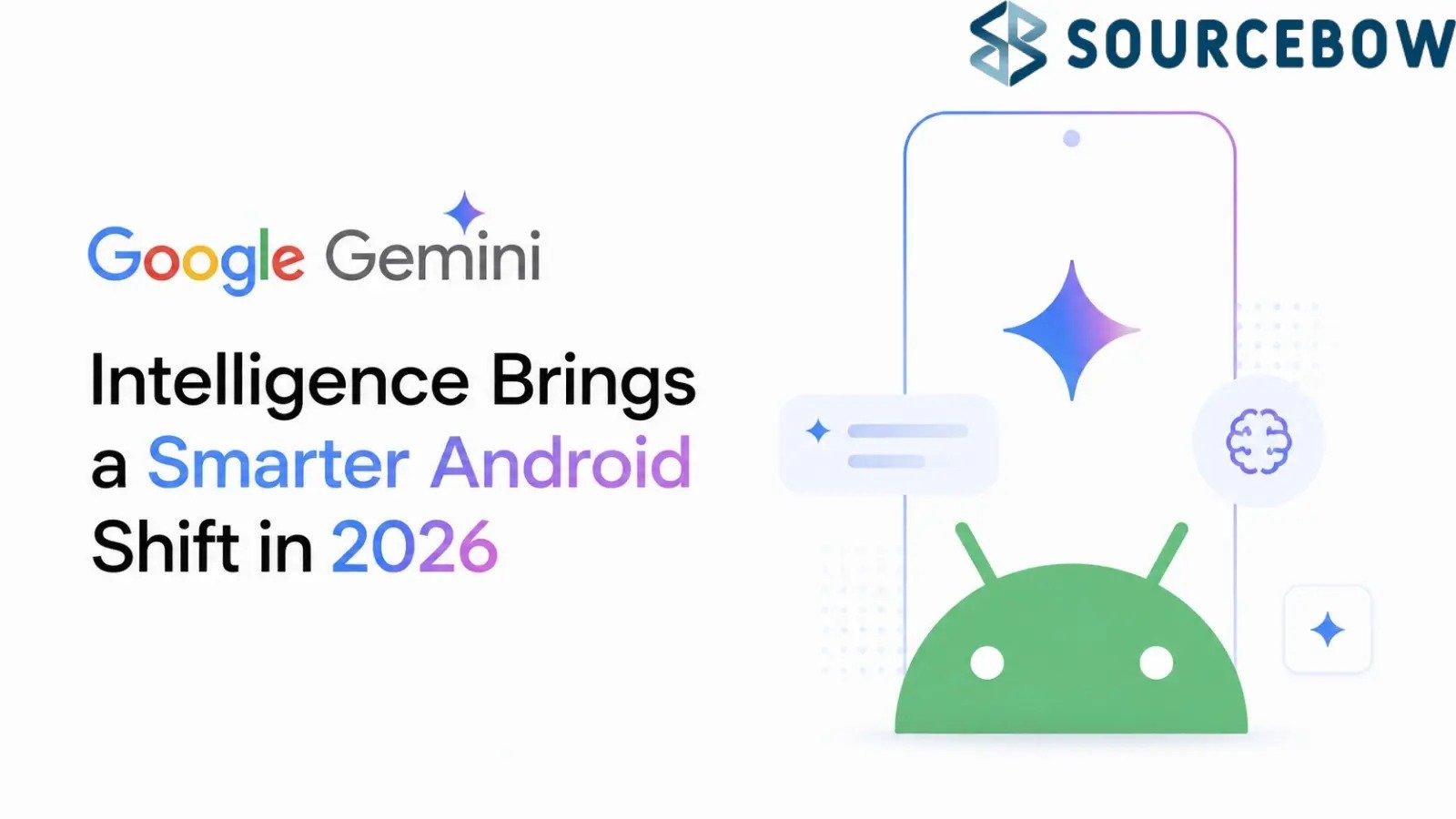
Google Gemini Intelligence during Android Show 2026, and the big idea is hard to miss: Android is no longer being treated like a phone OS that waits for taps. It’s being pushed toward something more active, more helpful, and honestly a little more ambitious.
Instead of just answering questions, Gemini Intelligence is designed to handle multi-app tasks, clean up everyday productivity, and quietly take care of the boring stuff users usually bounce between apps to finish. That’s the real shift here, and it could change how Android feels across phones, watches, cars, glasses, and laptops.
Quick Highlights
Gemini Intelligence Turns Android Into a Proactive AI System
Google didn’t just announce another Android feature update. It introduced Gemini Intelligence as a system-wide AI layer, which is a much bigger deal. The easiest way to think about it is this: instead of waiting for you to tell your phone what to do, Android starts trying to help before the whole task turns into a little mess.
That sounds subtle, but it changes the feel of the device. A regular assistant answers one request at a time. Gemini Intelligence is being framed as something closer to an operating layer that can move across apps, services, and device
types. So if you’re trying to book a fitness class, shop for something, or juggle a few steps that normally live in different apps, Android may eventually handle more of that chain for you.
Google showed examples that make the direction pretty clear. One involved booking a fitness class. Another showed shopping workflows where the system could help move through steps instead of making you hop around manually. And this isn’t being limited to one flagship phone either. Rollout begins with Samsung Galaxy S26 and Pixel 10 devices, with expansion planned across watches, cars, glasses, and laptops.
That last part matters more than it first sounds. If Gemini Intelligence ends up spread across the whole device family, Google isn’t just building a smarter phone feature. It’s trying to make Gemini the connective tissue of the Android ecosystem itself. And once that happens, the old idea of Android as a collection of separate apps starts to
fade a bit.
Look, we’ve all had those moments where a simple task becomes a ridiculous chain of app switching. Check something in email, copy a date, paste it in a calendar, open a browser, fill in a form, jump back to messages, and suddenly you’ve burned five minutes doing something that should’ve been quick. Google is betting that AI can reduce that friction in a real way, not just through chat but through actual action.
| Layer | What it does | Why it matters |
|---|---|---|
| Gemini Intelligence | Acts across apps and services | Cuts down app switching |
| Chrome integration | Summarises pages and helps with forms | Saves time on repetitive browsing |
| Autofill and widgets | Pulls from connected services and adapts layouts | Makes Android feel more personal |
The strategic angle is pretty obvious too. If Gemini becomes the operational interface for Android, Google gets even deeper into the place where user habits live. That’s powerful. Maybe a little unsettling. But definitely powerful.
Google Is Focusing on Everyday Productivity, Not Just AI Chat
Here’s the thing: a lot of AI launches still feel like a demo looking for a problem. Google seems to know that, which is why this Android push is centered on boring, practical stuff people actually do every day. Not flashy chatbot theater. Real utility.
One of the clearer examples is Rambler, a feature that turns natural speech into cleaner written text. If you’ve ever dictated a message, note, or quick email and ended up with something that sounds a little too raw or too clunky, you already get why that matters. It’s not about sounding fancy. It’s about getting from rough thought to usable text faster.
Then there’s the Chrome side of things. Gemini integration inside Chrome is aimed at summarising webpages and handling complex forms. That’s not glamorous, but it’s the kind of thing people do constantly. And it’s
exactly where productivity software earns its keep. A long article, a dense support page, or a form with weird fields can be enough to slow you down. If Gemini can smooth that over, the experience becomes noticeably less annoying.
Google is also pushing AI-powered autofill that can pull information from connected Google services. Again, this is a small-sounding thing that becomes a big deal when it works well. Autofill is one of those features people barely think about until it fails. When it works, it feels invisible. When it doesn’t, it becomes one more tiny frustration in the day. AI-assisted autofill could make that whole process a lot less manual.
And then there’s Create My Widget, which is probably one of the more interesting pieces in this whole update. It introduces prompt-based interface customisation, which is a fancy way of saying users may be able to ask for the kind of widget setup they want instead of building everything from scratch. That points to a shift toward generative user interfaces rather than fixed layouts.
That shift is easy to underestimate. We’ve gotten used to phones as grids and menus, where you do the arranging. Google is nudging Android toward a world where the interface can adapt to what you ask for. Not just what’s already there. That’s a meaningful change, especially for people who don’t love fiddling with settings all afternoon.
If you zoom out, the pattern becomes pretty clear. Google is not trying to make Gemini into a standalone chatbot people casually open now and then. It’s trying to embed Gemini into routine device behaviour so deeply that it becomes hard to separate from Android itself. That’s a stronger move, and probably a smarter one.
Privacy and Control Become Critical as Android Gets More Autonomous
Now, this is where the excitement meets the real-world caution. The more proactive Android becomes, the more sensitive the conversation gets around control, permissions, and trust. Because once an AI system can see more context and help move between services, it also gets closer to the parts of your digital life you’d probably rather keep tidy and private.
Google is clearly aware of that. The company is stressing explicit user control and operational transparency, which is the right message to send. Permissions and app connections are still meant to remain user-managed. That matters because proactive AI can feel helpful right up until it feels too helpful. Nobody wants a phone making creative guesses with personal data or acting in the background without a clear sense of what it’s doing.
There’s also a bigger industry trend running underneath all this. Major tech companies are racing to build personalised AI ecosystems, and the competition is no longer just about whose chatbot sounds smartest. It’s about whose AI becomes the place where your routines, preferences, and cross-app actions actually live. That’s a much more
valuable prize.
And that’s why privacy messaging isn’t just a side note here. It’s a core part of adoption. Users may be happy to hand over repetitive tasks if the payoff is real. But they’ll want to know where their data is going, what permissions are active, and how much control they still have when the AI starts making suggestions across multiple apps.
Think of it like this: convenience is the hook, but trust is the dealbreaker. If the experience feels smooth and understandable, people may embrace it quickly. If it feels opaque or overly invasive, they’ll pull back just as fast. Google’s challenge is to prove that proactive AI can be both useful and respectful. That’s not easy.
And honestly, that tension is probably the most important part of the whole Gemini Intelligence story. The feature set is interesting, sure. But the real story is about whether Android can evolve into something more autonomous without making people uneasy. That balance will decide how far this goes.
For now, Google seems to be making its clearest move yet to turn Gemini into the central experience across phones, browsers, wearables, and connected devices. If it works, Android won’t just feel smarter. It’ll feel more capable in a
quiet, behind-the-scenes way. If it doesn’t, it may just become another ambitious AI promise people talk about for a week and forget.
Either way, this is the kind of update worth watching closely. Not because it changes one app, but because it suggests Android itself is being redesigned around intelligence as a default layer. And that’s a pretty big shift, even if it arrives one helpful task at a time.
So, the real question isn’t whether Gemini Intelligence can answer questions. It’s whether you’ll eventually want Android to act before you ask. That’s the future Google is betting on.