Introduction
Production AI agents usually don’t fail because the wording was bad; they fail because the context was stale, fragmented, or already out of date when the model answered. That’s the part people miss when they focus too hard on the prompt and not enough on what the model was actually allowed to see.
The strongest clue is simple: a refund had already bounced back twenty minutes ago, but the agent still answered from an overnight-sync store. That’s the real tension in context engineering vs prompt engineering. The sentence looked fine. The answer sounded confident. But the underlying information was wrong, and in production that’s where things quietly go sideways.
Quick Highlights
What’s actually different between prompt engineering and context engineering?
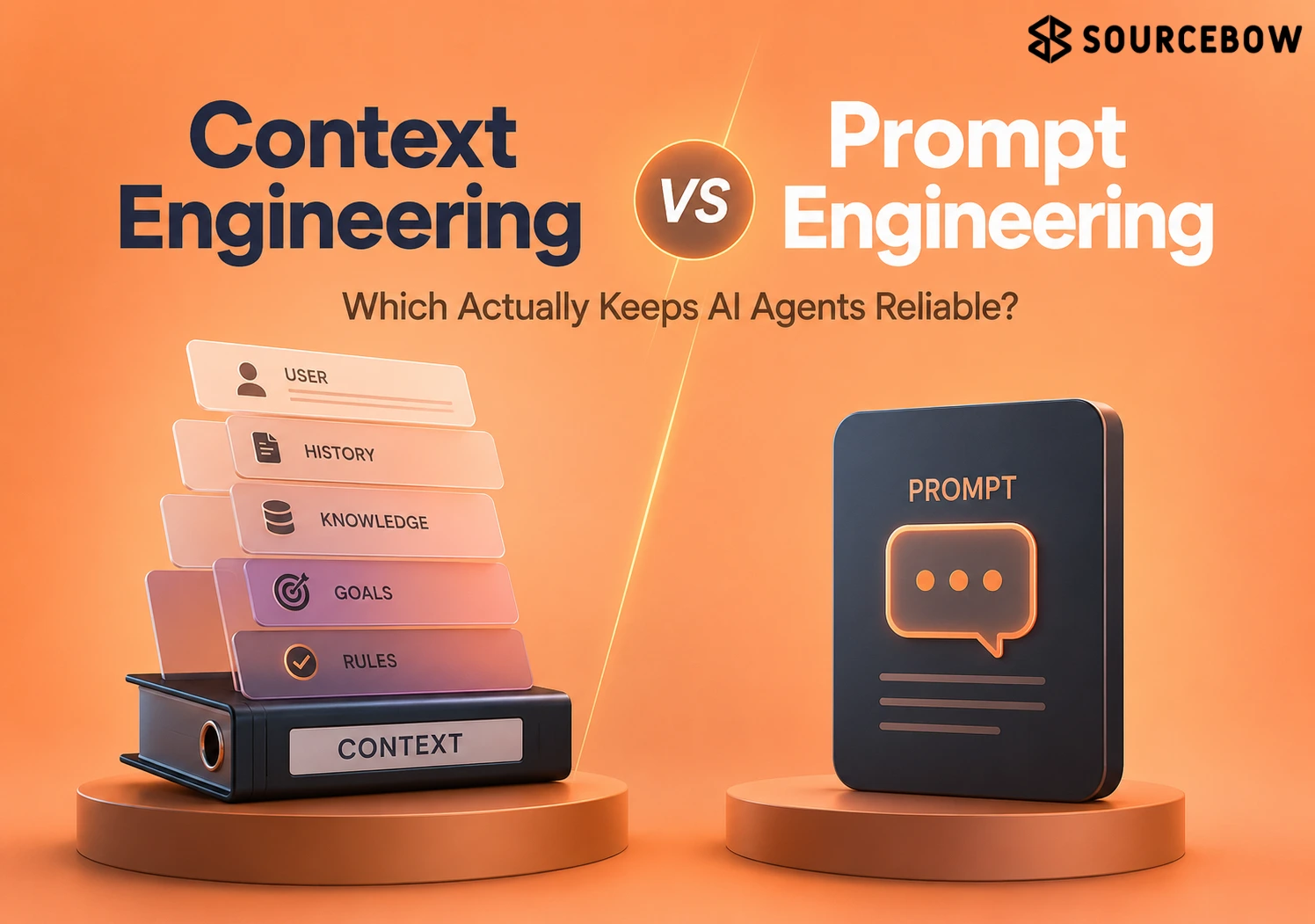
Prompt engineering is the craft of writing the instructions you hand the model: system messages, examples, and formatting cues. It’s still useful. In fact, for many simple tasks, it’s probably the first thing you should get right.
Context engineering is broader. It includes everything in the LLM context window besides the prompt itself: retrieved documents, memory, tool outputs, and user state. So when people talk about whether an agent is smart, they’re often really talking about whether the runtime is feeding it the right stuff at the right time.
The distinction matters because the prompt is only one input in a larger runtime setup, not the whole thing. You can write a beautiful instruction set and still get a messy answer if the model is looking at old records, partial retrieval, or a confused tool response.
Why prompt engineering is still useful, just not the whole job
Prompts still help on bounded, single-turn tasks, and the article doesn’t pretend otherwise. If you want the model to summarize, classify, or follow a simple format, good prompt engineering can make a noticeable difference.
But once the same agent is juggling memory, retrieval, and tools, wording alone stops being the lever that fixes behavior. At that point, the issue isn’t just what you asked. It’s what the model had available when it tried to answer.
Why context engineering is the bigger frame
Context engineering is treated as the system around the answer, not the sentence that asks for it. That frame includes retrieved information, agent memory systems, and the live state the model actually sees when it responds.
That’s the shift that matters. Prompt engineering asks, “How do I tell the model what to do?” Context engineering asks, “How do I make sure the model has the right reality in front of it?” Those are not the same problem.
Why better prompts stop scaling in production AI agents
Multi-step agents break the old assumption that everything the model needs can fit into one carefully written request. Once a system starts acting across time, the environment matters just as much as the instruction.
Real failures come from things a prompt can’t control: a hundred user phrasings for the same request, changing schemas, changing tool interfaces, and model updates that make yesterday’s tuning brittle. That’s why production AI agents often feel stable in demos and then strangely unreliable in the wild.
What goes wrong when the tool set is too large
Bloated tool sets widen the decision surface, so the agent picks the wrong tool more often. That is a tool selection in agents problem, not a wording problem.
When the model has too many options, the prompt has to do a lot of work just to make the choice space understandable. Even then, the runtime can still drift. You’ll see the agent call the wrong API, choose an unnecessary function, or hesitate between similar actions because the system is overloaded with possibilities.
Why missing memory breaks multi-step behavior
Agents that converse or act over multiple steps need memory, and prompt engineering alone can’t supply it. If the model can’t remember beyond the current window, the same conversation keeps resetting.
That’s exhausting for users and risky for workflows. A support agent that forgets what happened three turns ago starts over like nothing happened, which feels broken even if each individual prompt is technically well written.
Why broken retrieval makes every prompt look worse than it is
Even a perfect prompt can’t rescue broken retrieval or an incomplete information pipeline. That’s why retrieval augmented generation only works when the retrieval layer is actually dependable.
If the right document never comes back, the model can’t cite it. If the wrong document comes back, the model may confidently build on a false foundation. In practice, people blame the prompt because that’s the visible part, but the real issue is often somewhere upstream.
- Bloated tool sets: too many tools, too much room for the wrong choice.
- Missing memory: no carryover beyond the current context window.
- Broken retrieval: the model is answering from incomplete or wrong information.
What fills an agent’s context window at runtime?
The article breaks the window into three buckets: instructions, knowledge, and tools. That structure matters because the model only reasons with what the runtime assembles for that call, not what it saw a minute ago.
Think of it like a desk in front of a very capable worker. If you only place one note on the desk, that’s all they can use. If you keep adding current files, live tools, and relevant background, the answer changes because the available setup changes.
- Instructions: prompts, system messages, few-shot examples, and tool descriptions.
- Knowledge: facts and retrieved information, including RAG results.
- Tools: external functions, APIs, and Model Context Protocol (MCP) servers.
Why the context window is not memory by itself
The model knows nothing outside the assembled window. That means prior requests, changed records, and anything that fell outside the window are gone unless the runtime brings them back in.
This is one of those ideas that sounds obvious once you hear it, but it explains a lot of weird failures. The model isn’t secretly remembering the whole conversation. It’s reasoning over whatever the system assembled for that moment, which can be surprisingly incomplete.
Why stale and fragmented context is an infrastructure problem
Good context is hard because the data agents need is usually neither fresh nor centralized. And that’s the real headache. It’s not just a language problem. It’s an infrastructure problem hiding behind a language interface.
The article gives two recurring failure modes: stale data and fragmented systems, both of which show up as confident but wrong decisions. The model may sound certain. The runtime may even be technically functioning. But if the context is old or scattered, the outcome still fails.
Why freshness matters when agents act in loops
In observe-decide-act systems, outdated state causes re-planning, wasted tokens, and bad decisions. The example is blunt: an agent making a purchasing decision on stale inventory data becomes a business risk.
That’s the kind of issue teams don’t always notice until the system is already in the wild. A few minutes of lag may not matter for a blog summary, but it matters a lot when a machine is deciding what to buy, refund, escalate, or dispatch.
Why fragmentation makes the runtime harder than the prompt
Customer records, policies, product details, APIs, databases, and SaaS tools all live in different places. Pulling that into one coherent window for thousands of concurrent users is a concurrency, consistency, and durability problem.
So even if the prompt is elegant, the agent can still struggle because the surrounding system is pulling from too many places at once. The architecture has to do the heavy lifting. The wording alone never really had a chance.
| Problem | Where it lives | What it breaks |
|---|---|---|
| Stale inventory data | Freshness | Purchasing decisions |
| Customer records, policies, product details | Fragmentation | One coherent runtime window |
| APIs, databases, SaaS tools | Operational spread | Concurrency, consistency, durability |
What a real-time context engine does for production AI agents
A context engine is the infrastructure layer that assembles retrieval, memory, caching, and freshness into one runtime. That’s the key move. Instead of hoping the model gets lucky with whatever is in the prompt, the system actively prepares the right context before the answer happens.
The article’s example is Redis Iris, described as serving agent context in milliseconds and connecting memory, live data, and retrieval in one place. In other words, it’s not just storing information. It’s helping assemble useful context fast enough for live interaction.
How Redis Iris is described in the article
It brings together Context Retriever, Agent Memory, LangCache, Redis Data Integration, and Redis Search. It is positioned as a real-time context engine for fast context assembly across vector search, semantic caching, agent memory, and fresh operational data.
That combination matters because production AI agents rarely need just one thing. They need a relevant chunk, a memory of prior state, maybe a cached response, and access to live systems. If those parts live in separate silos, the runtime gets slower and messier very quickly.
What semantic caching changes
LangCache uses vector embedding similarity instead of exact string matching, so similar queries can return cached responses without another LLM call. That’s a big deal when the same question arrives in slightly different wording all day long.
The article cites one evaluation where semantic caching cut API calls by up to 68.8% across tested query categories. That doesn’t just save money. It also reduces latency and helps the agent feel much more responsive.
Why memory and retrieval belong on the same layer
Keeping memory and retrieval together avoids the dual-write problem and the drift that appears when two stores fall out of sync. That same layer can remember a user’s name without fabricating account balances.
That last part is important. Memory should help the agent stay coherent, not invent facts. Good context engineering keeps the system useful without letting it become overconfident in the wrong way.
- Redis Iris: serves agent context in milliseconds.
- Context Retriever: handles semantic retrieval through vector search.
- LangCache: adds semantic caching with vector similarity.
- Agent Memory: manages short-term and long-term memory consolidation.
- Redis Data Integration and Redis Search: round out the runtime layer.
| Component | What it does | Detail from the article |
|---|---|---|
| Context Retriever | Retrieves relevant chunks | Embeds the query, uses vector search, passes chunks to the model |
| LangCache | Semantic caching | Matches similar queries with embedding similarity, not exact string matching |
| Agent Memory | Short-term and long-term memory | Uses consolidation rules to decide what gets promoted |
| Redis Iris | Context engine runtime | Unifies vector search, semantic caching, memory, and fresh operational data |
FAQ
These are the doubts that show up after the main distinction lands but before the architecture feels obvious.
Q: Is prompt engineering still worth doing if context engineering matters more?
Yes. The article treats prompt engineering as useful, just not sufficient on its own in production agents.
Q: What’s the simplest way to think about an agent’s context window?
Think of it as the runtime bundle of instructions, knowledge, and tools the model can actually reason with on that call.
Q: Why does stale data cause agents to fail so often?
Because agents can sound confident while acting on information that is already outdated, which leads to wrong decisions and repeated work.
Q: What does a context engine do that a prompt can’t?
It assembles fresh data, memory, retrieval, and tool access at runtime, instead of relying on fixed wording written at build time.
Conclusion
In production, the real bottleneck is context engineering: the freshness, retrieval, memory, and tool orchestration that shape what the model actually knows.
If the demo works but the agent falls apart in production, the next fix is probably the runtime around it, not another rewrite of the prompt. That’s the practical lesson here, and honestly, it’s the one that saves teams the most time once they start building for real users.