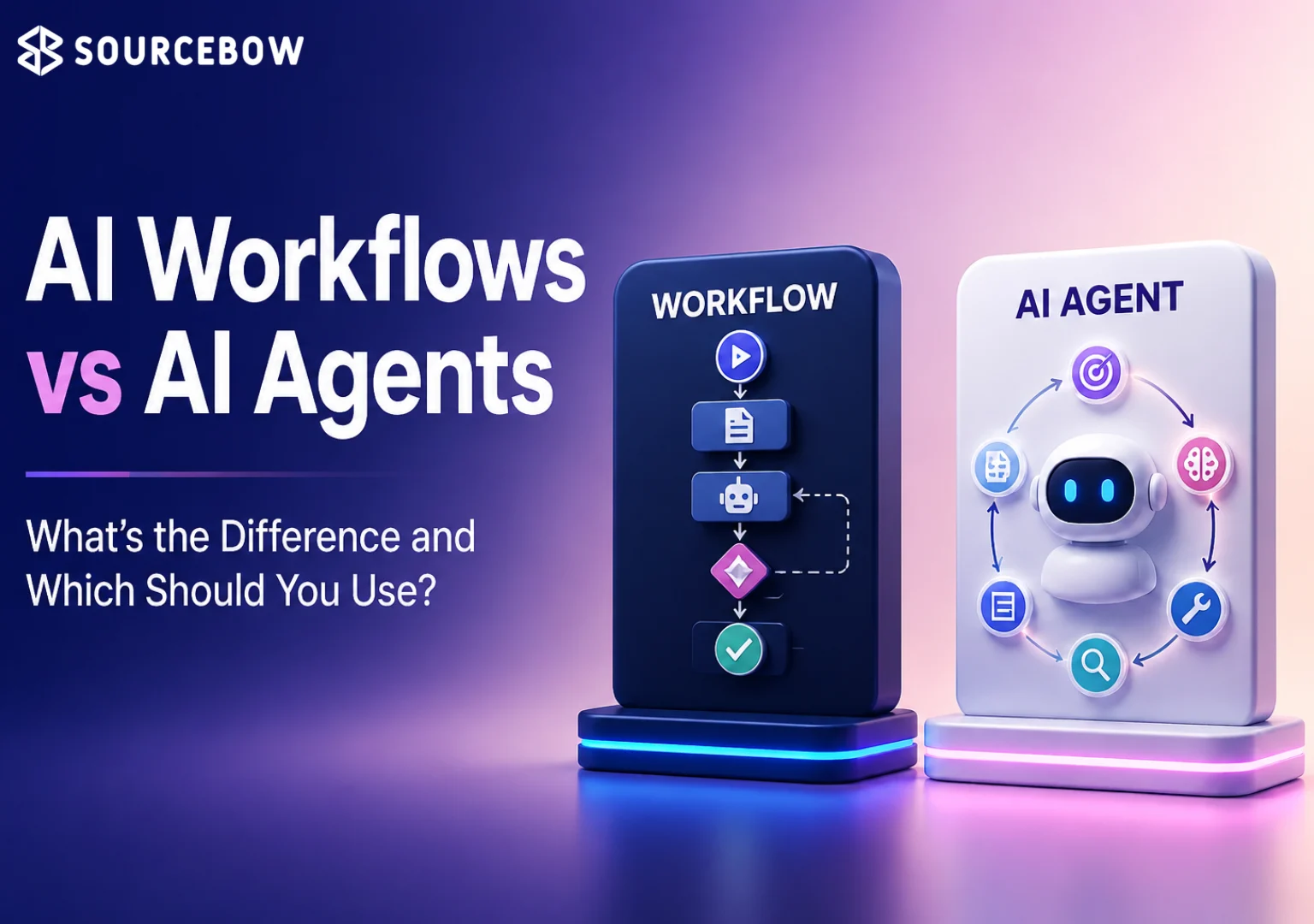
Introduction
AI automation is everywhere in 2026, which is exactly why people keep using the same two words — workflow and agent — as if they mean the same thing. The focus is really on AI agents vs workflows and what each one is actually good at.
The tension is simple: both automate work, but one is built for repeatable steps and the other for open-ended decisions. And once you see that difference clearly, a lot of confusion starts to disappear.
Quick Highlights
- Workflows are best for structured, repeatable tasks.
- Agents are better when the next step isn’t obvious.
- Cost, speed, and control usually favor workflows.
- Planning, memory, and tool use usually favor agents.
- Hybrid systems often give the best real-world result.
What an AI workflow does when the process is already known
An AI workflow is a sequence of predefined steps with minimal decision-making, so it behaves predictably from start to finish. That makes it easier to monitor, cheaper to run, and more reliable when the rules don’t change.
The raw example is very concrete: a new email arrives, text is extracted, AI summarizes it, the result gets classified, and then it’s sent to a CRM. Nothing there is trying to be clever. It’s just moving through a known path in a consistent way.
That same structure shows up again and again in invoice processing, data extraction, document summarization, and email automation. If you’ve ever thought, “This is the same task every time,” you’re probably looking at a workflow problem.
The parts of a workflow: trigger, inputs, AI processing, conditional logic, output
The point here is not intelligence so much as sequence. A trigger starts it, inputs go in, AI processes a step, conditional logic branches if needed, and an output lands somewhere useful.
Because the steps are fixed, workflow automation is the better fit when you care about repeatability, lower cost, and compliance. It’s a bit like following a recipe. The ingredients may change slightly, but the method stays the same.
Why workflows are predictable, rule-based, and easy to debug
Workflows are predictable, rule based, repeatable, easy to monitor, and lower cost. That combination is why they usually win when the job is structured and the tolerance for surprises is low.
And that last part matters more than people admit. If something goes wrong, it’s usually easy to trace where it happened, which is a huge deal in production systems.
What an AI agent does when the next step is not obvious
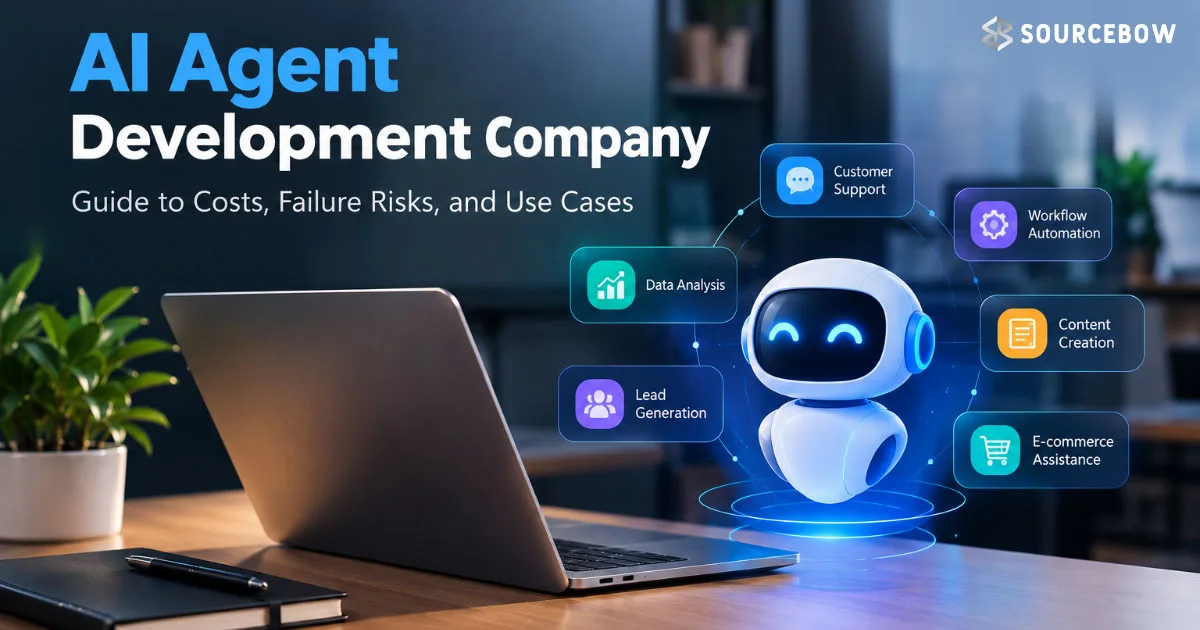
An AI agent is goal-driven software that can reason, decide what to do next, use tools, and keep going based on what it learns. It is built for situations where the path is not fully known in advance.
The usual cycle is goal, reason, choose tool, perform action, observe result, and repeat if needed — which is a very different shape from a fixed workflow. Instead of being handed every step, the agent has to figure some of that out on its own.
This is why agentic AI systems show up in research, coding assistants, and other tasks where the work changes while it is happening. The environment is moving, the information is incomplete, and the system has to keep adapting.
The agent loop: goal, reasoning, tool choice, action, observation, repeat
The main thing an agent adds is adaptation. It can plan, use memory, and decide its next move after seeing what happened on the last one.
That makes it dynamic, autonomous, and capable of multi-step reasoning in a way workflows are not. It’s not just running a script. It’s trying to solve a problem.
Why agents are better at planning, memory, and tool use
Agents are useful when the task needs more than one pass: planning ability, tool usage, memory, and changing decisions all matter here.
That flexibility is powerful, but it also makes evaluation harder and the result less predictable. So, yes, agents can feel impressive. But they also ask for more trust, more testing, and more guardrails.
AI agents vs workflows side by side
The real choice becomes clearer when the two are placed next to each other on the same attributes. Decision making, flexibility, autonomy, planning, tools, memory, cost, speed, reliability, human oversight, best for, and complexity all point in different directions.
| Feature | AI Workflow | AI Agent |
|---|---|---|
| Decision making | Minimal, rule based | Reasoning-based |
| Flexibility | Low | High |
| Autonomy | Low | High |
| Planning | Predefined | Dynamic |
| Uses tools | Only if built in | Chooses tools as needed |
| Memory | Limited or none | Yes |
| Cost | Lower | Higher |
| Speed | Faster | Slower |
| Reliability | High | Less predictable |
| Human oversight | Light | More guardrails needed |
| Best for | Structured automation | Research and dynamic problem solving |
| Complexity | Lower | Higher |
That table basically tells the story in one glance. One model is built to stay on rails. The other is built to handle the bumps and detours that happen when the task itself is messy.
Real examples make the difference obvious fast
Support, marketing, sales, and software development each reveal the split in a different way. The workflow version is usually a tight chain of steps; the agent version has to interpret, explore, and decide.
That’s why the same business function can look simple in one architecture and very flexible in the other. It really depends on whether the work is mostly execution or mostly judgment.
Customer support, content marketing, sales, and software development
Customer support workflow: ticket arrives, categorise, assign, notify team. Customer support agent: understand issue, check account, search knowledge base, draft solution, escalate if necessary.
Content marketing workflow: generate outline, write draft, proofread, publish. Content marketing agent: research competitors, find keywords, create strategy, write article, optimise SEO, schedule publishing.
Sales workflow: lead enters CRM, send email, schedule reminder. Sales agent: research company, personalise outreach, reply to objections, book meeting.
Software development workflow: generate code, run tests, deploy. Software development agent: understand feature request, explore repository, write code, fix errors, test, improve implementation.
These examples make the tradeoff feel much more real. A workflow follows a process. An agent handles a situation.
When a workflow is the smarter choice
Workflows win when the process is repeatable, speed matters, cost matters, and the output has to stay tightly controlled. They are also the safer option when compliance is part of the job.
Invoice processing, data extraction, document summarization, and email automation are all strong fits, because the task can be locked into a predictable sequence. You don’t need a system that keeps inventing new moves when the goal is simple consistency.
The strongest workflow advantages: reliability, compliance, and lower cost
The advantages are straightforward: predictable results, easier debugging, faster deployment, lower infrastructure cost, better compliance, and high reliability.
That’s the appeal of AI workflow automation when the business problem is already well shaped. In other words, if the process can be described clearly in advance, a workflow is usually the cleaner answer.
When an agent is worth the extra complexity
Agents make more sense when uncertainty is part of the job. They can adapt to changing information, plan complex tasks, use multiple tools, and keep improving as they go.
That’s why personal assistants, coding assistants, research assistants, and shopping assistants are all natural examples of agent behavior. The point isn’t just automation. It’s adaptation.
The tradeoffs: more expensive, slower, and harder to control
The cost of that flexibility is real: agents are more expensive, slower, harder to evaluate, and more exposed to hallucinations and security concerns.
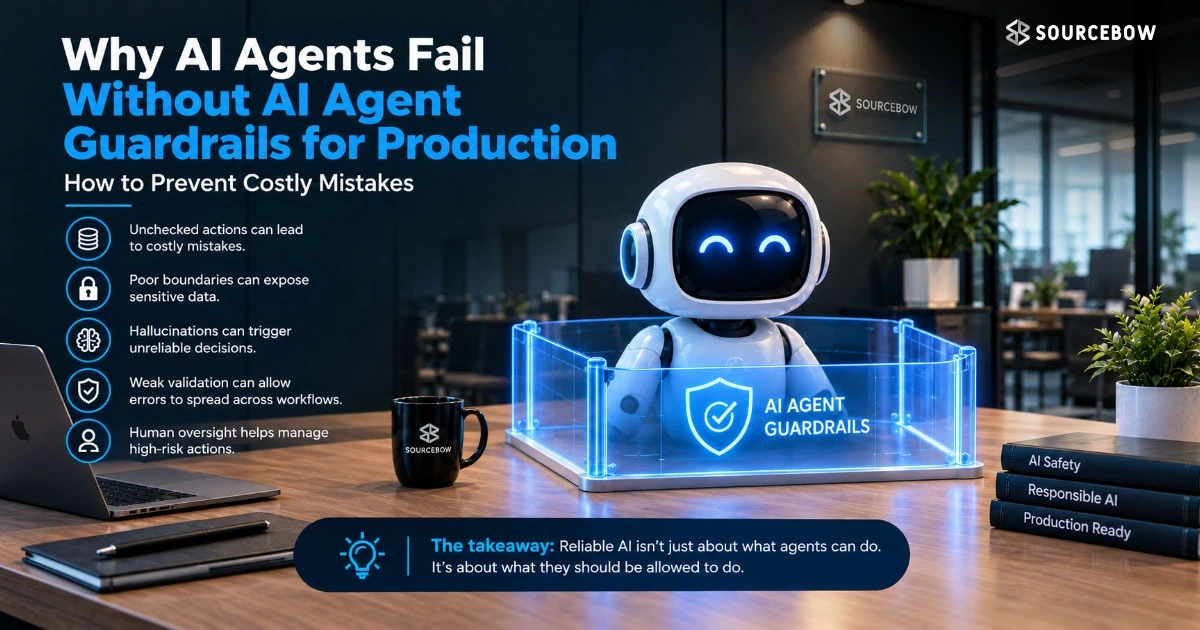
They also require guardrails, because autonomy without oversight is where things get messy. So if you’re thinking about using one, don’t just ask, “Can it do the job?” Ask, “Can we control it well enough in production?”
How to choose between the two without overthinking it
If the work is structured and repeatable, choose a workflow. If the work needs decision making, research, planning, multiple tools, or dynamic problem solving, choose an agent.
The decision is less about which system is more advanced and more about whether the task stays stable long enough to automate cleanly. That’s the real filter. Not hype, not trendiness, just fit.
A nice practical way to think about it is this: if you can write the steps down once and they still work next week, you’re probably in workflow territory. If the steps keep changing depending on what the system discovers, you’re drifting into agent territory.
Why production systems often combine workflows and agents
The strongest setups are often hybrid. A workflow handles orchestration, an agent handles the part that needs judgment, and a human can still approve before anything final goes out.
A common pattern looks like this: receive customer request, agent investigates, workflow sends response, human approval, workflow archives conversation.
That is also where AI orchestration layers start to matter, because they keep the system organized without forcing every decision into one model. In real production environments, that balance tends to be a lot healthier than trying to make everything fully autonomous.
Honestly, this is where a lot of teams end up. Not pure agent, not pure workflow, but a careful mix of both.
Common myths about AI automation
A lot of confusion comes from treating every automated system like it belongs to the same category. The details matter, and some assumptions fall apart quickly once you look at how the system actually behaves.
- AI agents replace workflows.
- Every chatbot is an agent.
- AI workflows don’t use AI.
- Agents always work without humans.
- More autonomy always means better automation.
Those ideas sound neat, but they blur important differences. A chatbot can be a simple interface sitting on top of a workflow. A workflow can use AI in one or more steps without being an agent. And more autonomy is not automatically better if the task doesn’t need it.
What comes next for AI automation
The next phase is less about choosing one side and more about building better combinations: agentic AI, multi-agent systems, human-in-the-loop automation, workflow orchestration, enterprise AI adoption, governance, and observability.
That’s where the category is heading, especially as companies push more automation into production and need it to stay visible, controlled, and useful. The future probably won’t belong to one shiny model. It’ll belong to systems that know when to stay simple and when to think a little harder.
FAQ
These are the smaller doubts that usually come up after the main comparison — the ones people want answered before they decide what to build.
Q: Is an AI workflow the same as an AI agent?
No. A workflow follows predefined steps, while an agent can reason, choose actions, and adapt as conditions change.
Q: Can AI agents replace workflow automation?
Not cleanly. Agents are better for open-ended work, but workflows are still better for predictable, compliance-heavy, and lower-cost automation.
Q: Which is cheaper to implement?
AI workflows are usually cheaper because they are simpler, faster, and easier to run and monitor.
Q: Can an AI workflow contain multiple AI agents?
Yes. That hybrid setup is common when a workflow handles orchestration and multiple agents handle specific decision-making tasks.
Conclusion
AI workflows are the better answer when you want structured, repeatable processes that stay reliable. AI agents are the better answer when the work needs planning, reasoning, and adaptation.
Most real systems do not force a choice. They use workflows for orchestration and agents for the moments that actually need intelligence. If you’re deciding what to build next, that’s the simplest way to think about it — and usually the most accurate one too.