OpenAI API for developers helps you build chatbots, code tools, vision apps, and AI agents with far less setup than training models yourself. And honestly, that’s the big shift a lot of developers are feeling right now: AI used to sound like a giant research project, but today it can look more like a practical feature you plug into your product and ship.
The tension is simple — you no longer need to spend months collecting datasets or maintaining infrastructure just to add useful AI features. You can start small, test fast, and learn what your users actually want without turning your whole roadmap upside down.
Quick Highlights
- AI APIs cut setup time dramatically.
- Different APIs fit different project needs.
- Long context, multimodal work, and compliance each point to different tools.
- Open-source flexibility can matter just as much as raw power.
Introduction
OpenAI API for developers is the easiest place to see how much AI has changed software work: chatbots, code tools, vision apps, and AI agents can now ship with a few lines of code. That sounds almost too easy at first, but it’s real. Once you’ve seen a model respond to a prompt, summarize a document, or call a function inside your app, the whole idea of building with AI starts to feel much more normal.
Here’s the thing. Most teams don’t need a giant custom model on day one. They need something useful, dependable, and quick to integrate. That’s why AI APIs matter so much in 2026. They give developers a direct path into capabilities that used to be locked behind heavy research and expensive infrastructure.
What an AI API actually does for a developer
An AI API is basically a shortcut into capabilities like text generation, image creation, translation, code generation, data analysis, and document understanding. Instead of building all that intelligence yourself, you send a request and get back a response that already does the hard part.
Instead of hosting large models yourself, you send an HTTP request and get an AI-generated response back, which is why these tools cut development time so sharply. It’s a bit like using a power tool instead of carving everything by hand. You still need skill, but you’re no longer wasting energy on the most tedious part.
That’s also why AI API development has become such a common part of modern app building. It’s not just about chat. It’s about making software understand language, images, audio, documents, and patterns in a way that feels almost human.
- Text generation
- Image creation
- Text-to-speech
- Translation
- Code generation
- Data analysis
- Document understanding
- AI agent workflows
- Computer vision
Which AI APIs fit which kind of project
The real choice is not “best API,” but which problem you are trying to solve: general-purpose chat, long-document reasoning, multimodal work, enterprise compliance, or model flexibility. That’s where people sometimes overthink it. They compare features for days, when the better question is simply: what does your app actually need to do?
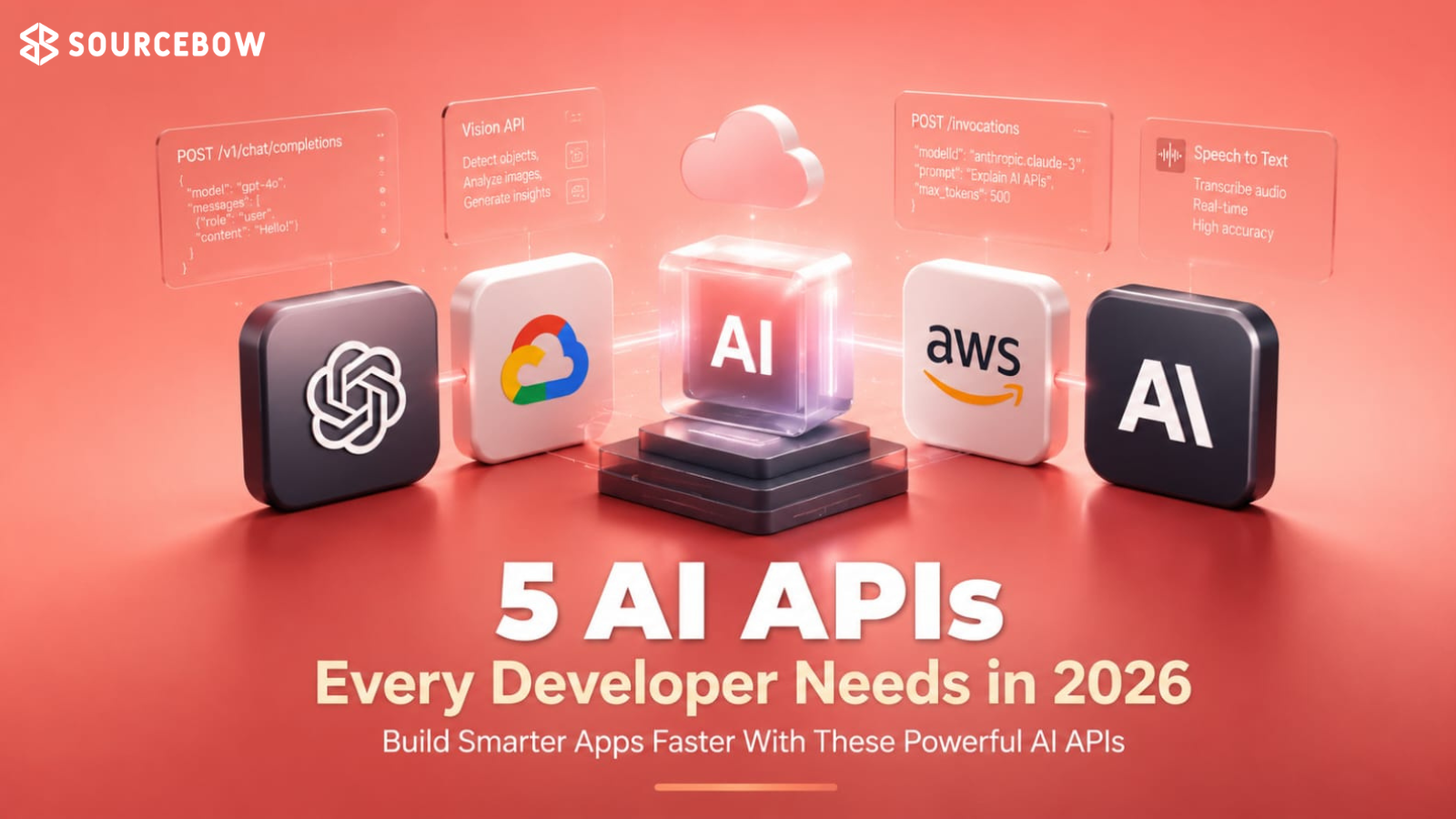
The article’s five options split cleanly across those needs: OpenAI API, Anthropic API, Google Gemini API, Microsoft Azure AI Services, and Hugging Face Inference API. Each one has a different shape, and that’s a good thing. You don’t want every project forcing the same tool into the same job.
OpenAI API for developers when you need one platform for many tasks
OpenAI stays the broadest option: language models, structured JSON responses, function calling, image generation, speech-to-text, text-to-speech, vision, code generation, and multi-turn conversations all sit in the same ecosystem. If you want one place that can power a lot of product ideas, this is usually where people start.
That makes it a strong fit for AI chatbots, customer support, coding assistants, writing tools, business automation, research assistants, and AI agents. In practice, this matters because it keeps your stack simpler. You’re not jumping between multiple services just to prototype one feature.
Anthropic API for long documents and heavier reasoning
Claude is the choice when the work is less about flashy modality and more about staying coherent across long context windows. If you’ve ever tried to analyze a huge contract, a long technical report, or a dense internal policy document, you already know how valuable that is.
Its listed strengths are long-context processing, document summarization, research assistance, coding support, and strong safety features, with projects like legal document review, financial reports, enterprise knowledge bases, and internal company assistants. In other words, it’s a very sensible option when accuracy and sustained attention matter more than bells and whistles.
Google Gemini API for text, images, audio, video, and code in one place
Gemini’s main appeal is multimodal AI inside a single platform, including image understanding, video analysis, code assistance, and integration with Google’s cloud ecosystem. That combination can be a real advantage if your application doesn’t live in just one medium.
For teams already using Google Cloud, it reads like the least disruptive addition. You’re not rebuilding your world from scratch; you’re extending what already exists. And that can make adoption a lot easier internally, especially when different teams need to share the same platform logic.
Microsoft Azure AI Services for enterprise teams that care about security and compliance
Azure AI is presented as a collection of enterprise-ready APIs built for scale, security, and regulated environments. This is the kind of platform many larger organizations reach for when they need AI features but can’t afford to be casual about governance.
The named services are Vision AI, Speech recognition, Language understanding, Translation, Document intelligence, and AI Search, with best-fit areas including enterprise software, healthcare, finance, and government applications. If compliance reviews, security policies, and internal approvals are part of your reality, Azure can feel less like a nice extra and more like the safe route.
Hugging Face Inference API for developers who want open-source breadth
Hugging Face stands out because it hosts thousands of open-source machine learning models across nearly every AI task imaginable. That gives you a lot of freedom, especially if you want to experiment without locking yourself into one closed ecosystem.
The examples here are text generation, sentiment analysis, image classification, object detection, embeddings, and speech recognition, which makes it especially attractive for researchers and flexible prototype work. It’s a strong choice when you want to compare models, test quickly, and keep your options open.
How to choose the right API without overthinking it
The decision usually comes down to context length, multimodal needs, enterprise requirements, or model variety — not brand loyalty. That’s probably the most useful mindset shift here. A lot of developers want a universal winner, but the real win is picking the right fit for the actual workload.
OpenAI is the general-purpose default, Anthropic leans into long documents, Gemini is strongest when multiple media types matter, Azure fits compliance-heavy organizations, and Hugging Face is for open-source experimentation. If you remember nothing else, remember that. It saves time, money, and a lot of unnecessary switching later.
| API | Best fit | Notable strengths |
|---|---|---|
| OpenAI API | General-purpose developer work | Structured JSON, function calling, image generation, speech-to-text, text-to-speech, vision, code generation |
| Anthropic API | Long-document reasoning | Long-context processing, document summarization, research assistance, strong safety features |
| Google Gemini API | Multimodal apps | Text, images, audio, video, code, Google Cloud integration |
| Microsoft Azure AI Services | Enterprise environments | Vision AI, speech recognition, language understanding, translation, document intelligence, AI Search |
| Hugging Face Inference API | Open-source experimentation | Thousands of models, text generation, sentiment analysis, image classification, object detection, embeddings, speech recognition |
One practical way to decide is to think about the first painful problem in your product. Is it support messages? Long PDFs? Multimodal inputs? Internal compliance? Prototype variety? Once that’s clear, the choice gets much easier.
FAQ
These questions come from the smaller doubts readers usually have after they understand the basic list but still want to pick the right tool.
Q: What is the best AI API for chatbots?
OpenAI API is the clearest default for chatbots because it combines conversations, function calling, and multi-turn support in one place.
Q: Which AI API is best for long documents?
Anthropic API is the strongest fit when long documents, detailed reasoning, and document analysis matter most.
Q: Which API should I use for multimodal apps?
Google Gemini API is the most direct choice when your app needs text, images, audio, video, and code together.
Q: Is Hugging Face good for developers who want open-source models?
Yes — Hugging Face Inference API is built around thousands of open-source models, so it works well when flexibility matters more than a single vendor stack.
Conclusion
The core idea behind AI API tools is simple: pick the platform that matches the job, whether that is chatbots, code generation, document intelligence, or AI agent workflow APIs. Once you start thinking this way, the landscape stops feeling overwhelming and starts feeling usable.
If you want the fastest path forward, start with the API that fits your current product need, then move outward only when the use case truly demands it. That’s usually the smartest move, and it keeps you focused on building something people actually need instead of endlessly comparing tools.