AI automation for small business is one of those topics that sounds big and technical until you see it in action. Then it becomes pretty practical, pretty fast. Instead of drowning in admin, customer follow-ups, invoice chasing, and repetitive internal tasks, businesses can use smarter tools to clear the busywork and free up actual human time for work that matters.
And honestly, that’s why this conversation matters in 2026. Customers expect faster replies, teams are stretched thin, and small businesses don’t exactly have spare hours sitting around. The real question isn’t whether AI can help; it’s where to start without buying complexity you don’t need.
Quick Highlights
- Start with repetitive work that already slows people down.
- Measure time saved before chasing bigger automation plans.
- Pick tools that fit your process, not the other way around.
- Governance and training matter from day one.
Introduction
Learn how AI automation for small business cuts admin work, improves support, and scales growth — and why that matters when customers expect faster responses and teams are already stretched.
The real question isn’t whether AI can help; it’s where to start without buying complexity you don’t need. That’s where things get interesting, because the best automation plans usually look simple at first. They solve one painful workflow, prove value, and only then grow into something broader.
What AI automation actually means, and how it differs from simple workflow tools
AI automation is more than rule-following software: it analyses data, learns from patterns, and adapts as conditions change.
The contrast with traditional automation is clear — one follows predefined rules, while the other can make recommendations, predict delays, and handle structured or semi-structured work. So if a traditional tool is like a checklist, AI automation is more like a helpful assistant that notices patterns and nudges the process forward.
Traditional automation and AI automation do different kinds of work
Traditional automation can send an invoice after an order is confirmed. AI can go further by detecting unusual purchasing behaviour, predicting payment delays, recommending follow-up actions, prioritising high-value customers, and suggesting inventory adjustments. That’s a big jump in usefulness, especially when your business has enough moving parts that simple rules stop being enough.
AI agents extend workflows without replacing oversight
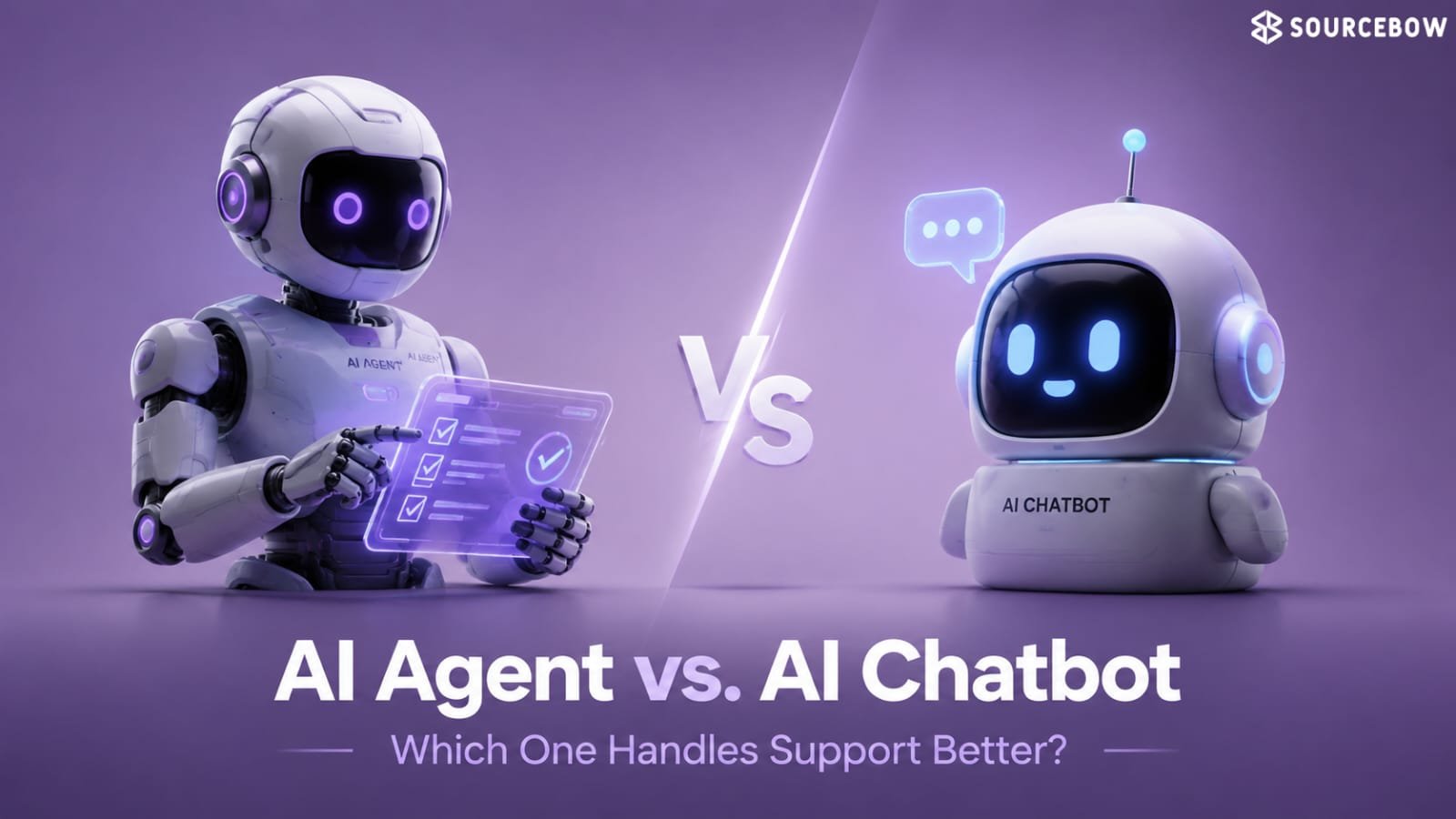
AI agents can reason through tasks, use multiple tools, retrieve information, and make limited decisions based on objectives and context. The clean example is sales support: analyse the customer profile, determine lead quality, research the company, draft personalised outreach, schedule meetings, and escalate complex opportunities to a rep.
That doesn’t mean the machine runs the business on its own. It means the machine handles the first pass, the connective tissue, the repetitive thinking, and the handoffs that usually eat up the workday.
- Traditional automation: predefined rules, repetitive tasks, fixed workflows, structured processes
- AI automation: learns from data, makes recommendations and predictions, adapts to changing inputs, supports structured and semi-structured work
- Workflow automation: send a welcome email, create a CRM record, notify sales
- AI agent: analyse customer profile, determine lead quality, research company information, draft personalised outreach, schedule meetings, escalate complex opportunities
Which small-business processes deserve automation first
The best starting point is the work that is repetitive, high-volume, measurable, and expensive in human time.
That usually means sales, marketing, support, HR, finance, and operations — not because they are fashionable, but because they show results fast enough to matter. If you’ve ever watched a team get buried under the same requests over and over, you already know where the friction lives.
Sales, marketing, support, HR, finance, and operations are the obvious starting points
Sales can automate lead qualification, CRM updates, meeting scheduling, follow-up emails, proposal generation, sales forecasting, and opportunity scoring. Marketing can use email personalisation, content drafting, campaign optimisation, social media scheduling, customer segmentation, SEO recommendations, and predictive analytics.
Support can answer common questions 24/7, route complex cases, summarise conversations, search knowledge bases, draft replies, and translate queries. HR can handle CV screening, interview scheduling, onboarding, leave management, policy enquiries, payroll support, and performance review reminders. Finance can cover invoice processing, receipt categorisation, expense approvals, cash flow forecasting, fraud detection, budget monitoring, and payment reminders. Operations can assign tasks, manage workflows, predict delays, monitor progress, identify bottlenecks, automate approvals, and generate performance reports.
Industry-specific use cases show how broad the pattern already is
Healthcare, retail and e-commerce, financial services, manufacturing, logistics, education, and real estate each have their own high-value workflows — from appointment scheduling and claims administration to predictive maintenance, route optimisation, student admissions, and viewing scheduling.
The key idea here is simple: AI automation for small business is not limited to one kind of company. It shows up wherever there’s repeated decision-making, lots of documents, or a steady stream of customer requests.
- Sales: lead qualification, follow-ups, CRM updates, proposal generation, sales forecasting, opportunity scoring
- Marketing: email campaigns, audience segmentation, content assistance, SEO recommendations, predictive analytics
- Customer support: AI chatbots, ticket routing, knowledge search, 24/7 answers, translation
- HR: CV screening, onboarding, leave requests, payroll support, performance reminders
- Finance: invoice processing automation, expense categorisation, payment reminders, fraud detection
- Operations: task assignment, workflow approvals, reporting, bottleneck detection
- Healthcare: appointment scheduling, patient communication, medical document processing, claims administration, resource planning
- Retail & e-commerce: product recommendations, inventory forecasting, dynamic pricing, order tracking, cart recovery, demand forecasting
- Financial services: customer onboarding, risk analysis, fraud monitoring, compliance documentation, loan pre-assessment, financial reporting
- Manufacturing: predictive maintenance, production planning, quality inspection, supply chain optimisation, equipment monitoring, logistics
- Logistics: route optimisation, delivery scheduling, warehouse management, shipment tracking, demand prediction, fleet maintenance planning
- Education: student admissions, timetable generation, assessment support, student enquiries, learning recommendations, administrative workflows
- Real estate: lead qualification, property recommendations, viewing scheduling, document generation, market trend analysis, customer communications
| Department | Typical AI automation opportunity | Examples from the raw content |
|---|---|---|
| Sales | Lead qualification and follow-up | CRM updates, meeting scheduling, proposal generation, sales forecasting, opportunity scoring |
| HR | Employee administration | CV screening, onboarding, leave requests, payroll support, performance review reminders |
| Finance | Document and cash-flow handling | Invoice processing, receipt categorisation, expense approvals, cash flow forecasting, payment reminders |
What it costs, what the ROI looks like, and why the hidden work matters
The cost discussion is less about software licences than about the full shape of implementation: process redesign, data cleaning, integration, training, and ongoing optimisation.
For a 10-person business, the lost time adds up quickly — one hour a day per employee equals around 50 productive hours every week — which is why the cost of not automating can be higher than the tool itself. That’s the part people miss when they compare prices too quickly. The software might look cheap, but the real work starts once it has to fit your actual business.
Starting budgets change with business size
The typical starting approach moves from low-cost AI assistants, workflow automation, and chatbots for 1–10 employees, to medium-cost CRM automation, HR automation, and document processing for 11–50 employees, then to higher-cost cross-department automation, AI analytics, and custom integrations for 51–250 employees, and finally enterprise AI platforms for 250+ employees.
ROI only becomes visible when you measure the right things first
Useful metrics include time saved per task, manual error reduction, faster customer response times, higher sales conversion rates, lower administrative workload, employee productivity, customer satisfaction, and revenue growth.
The example of 300 monthly enquiries makes the pattern concrete: without automation, every lead is reviewed manually; with automation, leads are categorised, high-priority prospects are flagged, personalised responses are generated, and meetings are scheduled automatically.
| Business size | Typical starting approach | Typical investment |
|---|---|---|
| 1–10 employees | AI assistants, workflow automation, chatbots | Low |
| 11–50 employees | CRM automation, HR automation, document processing | Medium |
| 51–250 employees | Cross-department automation, AI analytics, custom integrations | Higher |
| 250+ employees | Enterprise AI platform with governance and advanced automation | Enterprise |
- Hidden costs to plan for: process redesign, data cleaning and migration, integration with existing systems, employee training, change management, security reviews, ongoing optimisation, monitoring and maintenance
- ROI metrics to track: time saved per task, reduction in manual errors, faster response times, conversion rates, lower administrative workload, productivity, satisfaction, revenue growth
- Example volume: 300 enquiries per month
Build or buy, and what usually goes wrong when businesses rush it
Most small businesses do not need to invent everything from scratch; they need to decide whether standard software is enough or whether their workflows are unique enough to justify custom development.
The mistake is usually not the choice itself — it’s buying too many disconnected tools, automating inefficient processes, or skipping governance and training because the software looked convenient. And that’s the trap: it feels productive at first, but it creates mess later.
Buy when the process is standard, build when the workflow is a competitive edge
Buying gives faster deployment, lower upfront cost, vendor support, standard features, limited customisation, and an ongoing subscription. Building gives tailored workflows, greater long-term flexibility, full ownership of intellectual property, custom integrations, and higher initial investment.
Security and governance need to be part of the first decision, not the cleanup
Role-based access controls, data encryption, audit logging, secure API integrations, multi-factor authentication, regular security reviews, backup and disaster recovery plans, human oversight, acceptable use policies, data retention rules, model monitoring, incident response procedures, and vendor risk assessments all belong in the design.
| Buy existing platform | Build custom solution | What that means in practice |
|---|---|---|
| Faster deployment | Tailored to business processes | Common needs vs unique workflows |
| Lower upfront cost | Greater long-term flexibility | Budget now vs control later |
| Vendor support | Full ownership of intellectual property | Managed service vs in-house asset |
| Standard features | Custom integrations | Broad fit vs deeper fit |
| Limited customisation | Competitive differentiation | Enough for many teams vs strategic advantage |
| Ongoing subscription | Higher initial investment | Predictable spend vs upfront build cost |
How to start with one workflow and grow without breaking the business
The strongest AI programmes begin small, prove value, and expand only after the first workflow works in the real world.
That usually means documenting current processes, prioritising by business value and ROI, selecting tools that integrate well, launching a pilot like customer support chatbot or invoice processing, measuring performance, and then expanding gradually. In other words, don’t try to automate everything on day one. That’s how teams get overwhelmed and lose trust in the project.
A pilot should be narrow enough to learn from and real enough to matter
The roadmap is simple but not easy: assess repetitive tasks, prioritise by time spent, frequency, error rates, and business impact, choose technology that meets security and scaling needs, then measure processing time, error reduction, customer satisfaction, employee productivity, cost savings, and revenue growth.
Common mistakes include automating a bad process, purchasing disconnected tools, ignoring data quality, underestimating training, failing to define success metrics, and expecting AI to replace all human decision-making.
- Step 1: assess current processes — time spent, frequency, error rates, business impact
- Step 2: prioritise opportunities — business value, technical complexity, expected ROI, employee impact
- Step 3: select technology — integration, security, scale, support, measurable metrics
- Step 4: launch a pilot — customer support chatbot, invoice processing, HR onboarding, lead qualification
- Step 5: measure performance — processing time, error reduction, satisfaction, productivity, cost savings, revenue growth
- Step 6: expand gradually — maintain governance, security, and change management
FAQ
These are the doubts that sit just below the main decision: cost, timing, scope, and whether the whole thing replaces people or just clears work off their desks.
Q: Is AI affordable for small businesses?
Yes. Many businesses start with cloud-based AI tools and a focused pilot, then expand as the value becomes visible.
Q: Which business processes should I automate first?
Start with repetitive, high-volume work such as customer support, lead qualification, invoicing, HR administration, and document management.
Q: Will AI replace employees?
Usually not. It is more likely to automate routine tasks while leaving judgement, creativity, collaboration, and customer relationships to people.
Q: How long does implementation take?
Simple workflow automation can take weeks; larger cross-department programmes may take several months depending on integrations and readiness.
Conclusion
AI automation for small business works best when it solves a real operational problem, not when it is treated like a software purchase with a shiny label.
Start with one high-impact workflow, measure the result, and expand only when the process, people, and governance are ready for the next step. That’s the part worth remembering. Small, useful wins usually beat big, messy ambitions.