Introduction
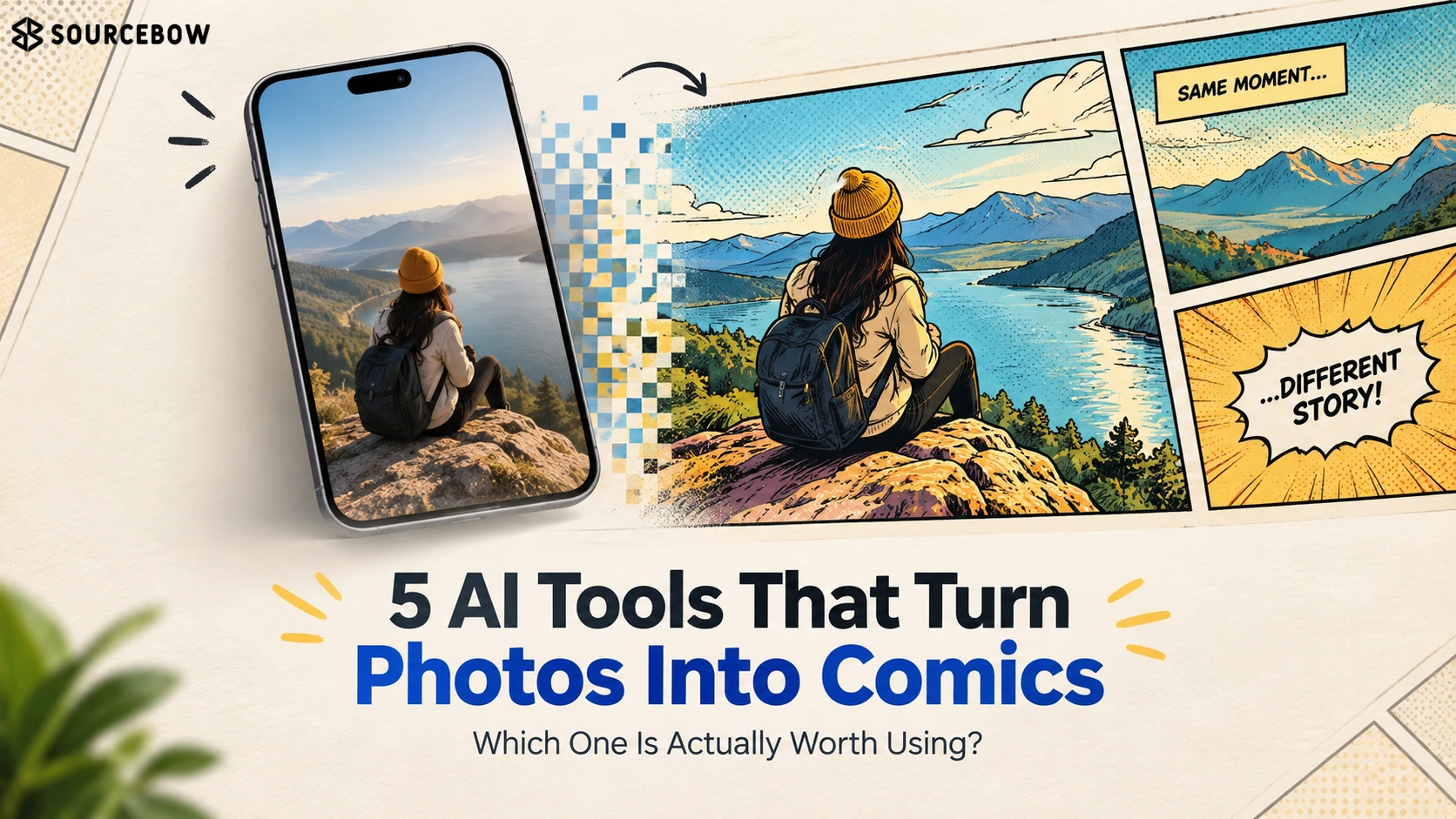
If you’ve ever wanted to turn a regular photo into a comic strip without spending hours wrestling with design software, you’re definitely not alone. The good news is that an AI comic maker from photos can now do a lot of the heavy lifting for you. The not-so-good news? Not every tool gives you the same level of control, and that difference matters more than people expect.
Here’s the thing: the real question isn’t whether AI can make comics from photos anymore. It can. The bigger question is which tool actually delivers the right mix of simplicity, creativity, and control. In this guide, we’ll look at the best AI tools for turning photos into comics and compare five options that stand out, so you can pick the one that fits the kind of comic you actually want to make.
Quick Highlights
- Best starter option: ComicsMaker.ai
- Best for reference images: Mage.space and NightCafe
- Best for page structure: AI Comic Factory
- Best for flexibility: Stable Diffusion
- Free credits and cleanup time matter a lot
Which AI comic maker fits the way you want to work?
The first thing to figure out is whether you want a comic editor, an image generator, or something in between. That choice changes almost everything. Layout control, character consistency, prompt quality, and the amount of cleanup you have to do later all depend on it.
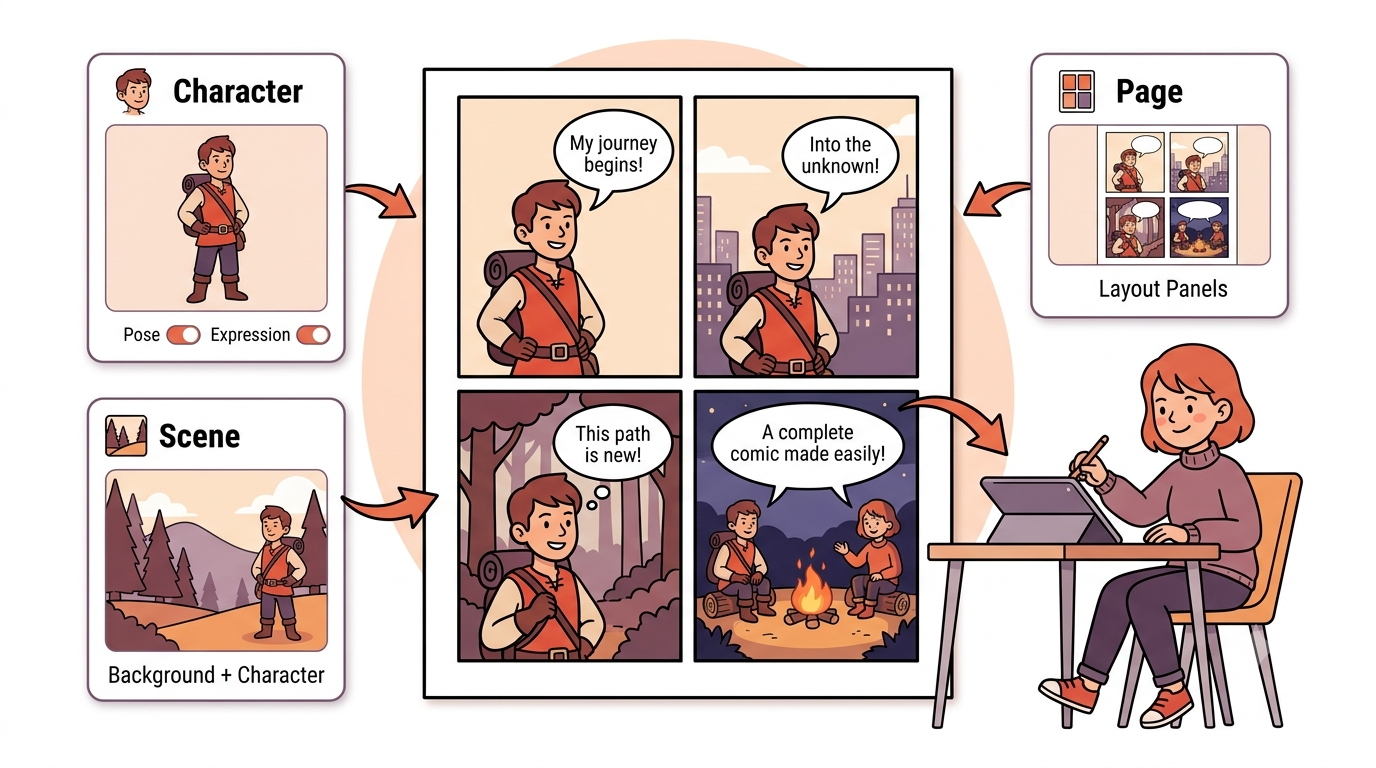
ComicsMaker.ai, Mage.space, NightCafe, AI Comic Factory, and Stable Diffusion all handle photos and prompts in different ways. So the “best” one really depends on whether you care more about speed, consistency, or visual freedom. If you’ve tried one tool and felt like it was close but not quite right, this is usually why.
ComicsMaker.ai is the easiest starting point if you want pages, scenes, and characters in one place
ComicsMaker.ai keeps things simple, which is a bigger deal than it sounds. You can build characters, scenes, and page layouts without feeling like you’re learning a whole new design system. For beginners, that lower learning curve is honestly half the win.
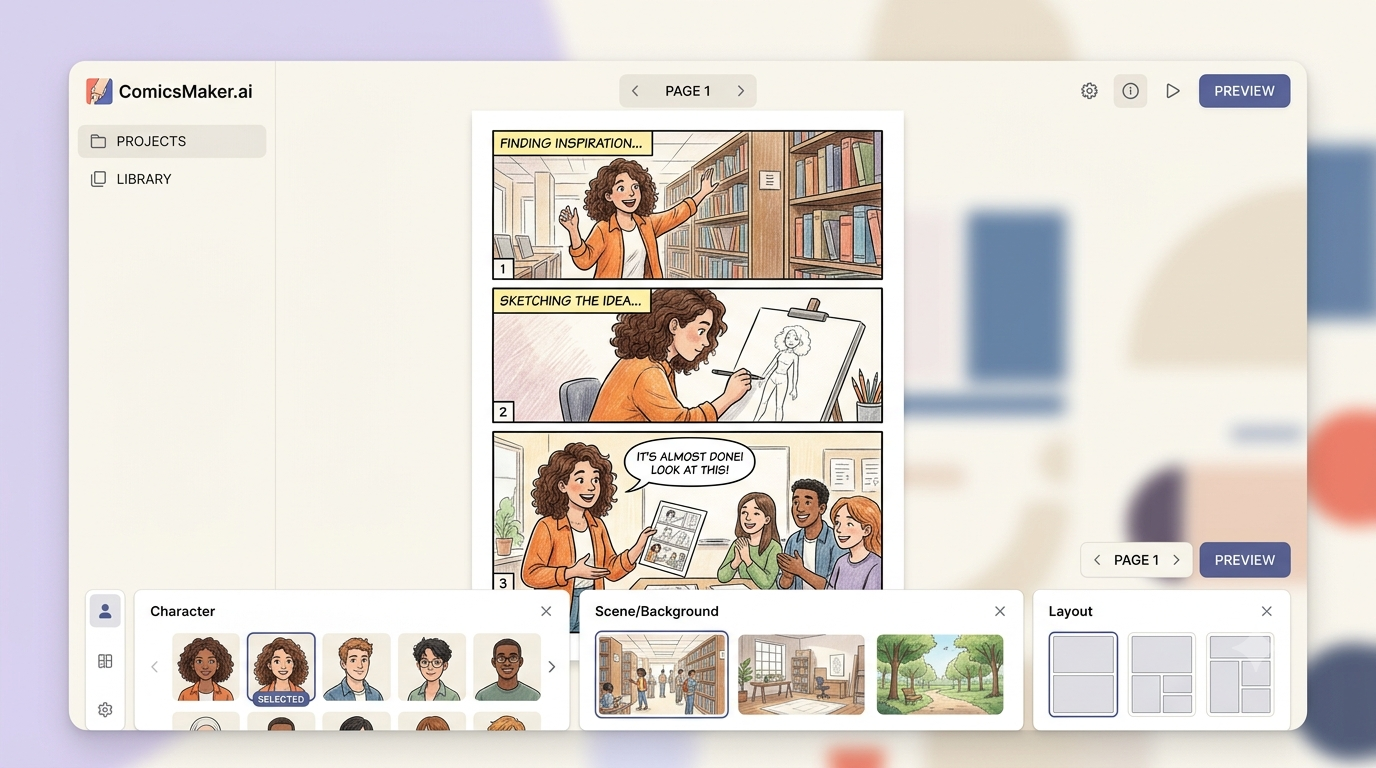
The free plan includes 100 credits a month and no watermark, which is unusually generous for a tool this usable. It also gives you character customization, a page designer, and basic layouts. The catch is that vague prompts can lead to weaker results, and the free credits run out faster than you’d like once you start making multiple panels.
Paid tiers start around $5 to $10 per month, with a Hobby level that sits somewhere between 1,000 and 3,000 credits. That makes it a solid choice if you’re testing the waters and don’t want to commit to a big subscription right away.
Features & Pricing
Which tools handle character consistency well enough for comics?
For comics, consistency matters more than people expect. If a hero’s face, hairstyle, or outfit keeps drifting from panel to panel, the whole thing starts to feel broken, even if the art itself is strong. That is one of those issues you don’t notice until you’re deep into a project and suddenly have five slightly different versions of the same character.
The tools that support reference images and reusable characters are doing the most useful work here, especially when you begin from a real photo. If you already have a person, costume, or pose you want to keep recognizable, these are the tools that help the most.
Mage.space and NightCafe are the strongest picks if you care about reference images
Mage.space lets you feed in a reference image and keep the same character consistent across both images and video. It also supports a wide range of art styles, which is helpful if you want to experiment. But look, it is still more of an image-generation platform first, so you’ll do more of the panel layout work yourself.
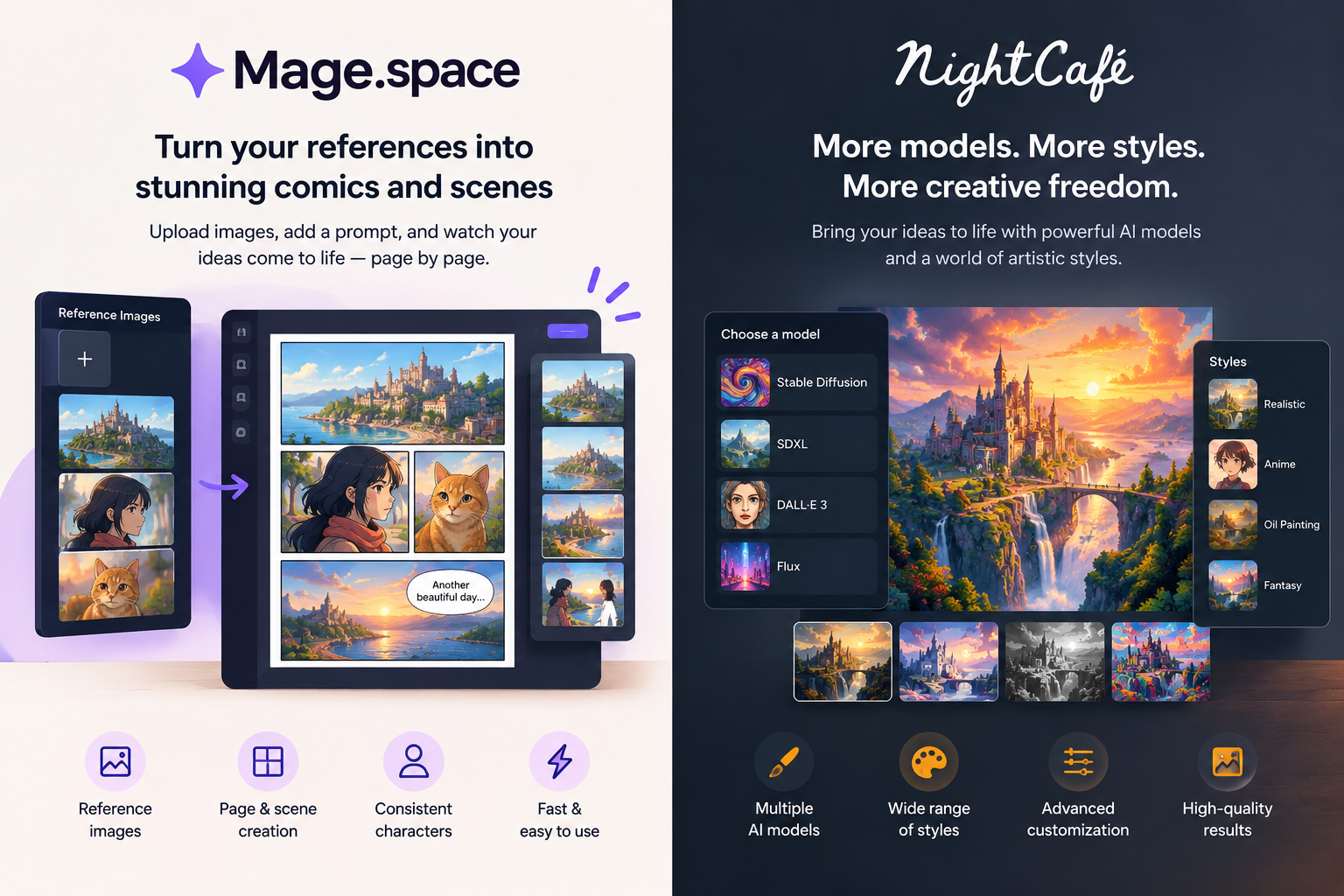
NightCafe can start from an existing image, blend multiple references together, and hold onto a character’s look across generations. It also gives you 5 credits a day just for logging in, plus a few extra for the daily challenge. On base Stable Diffusion models, you can even get unlimited generations, which makes it appealing if you like to try a lot of variations before settling on one.
| Tool | Reference-image support | Pricing details |
|---|---|---|
| Mage.space | Reference image support across images and video | Free one-time 300 Gems; paid plans at $10, $30, $60, and $200 per month |
| NightCafe | Can start from an existing image and blend multiple references | Free: 5 credits a day; paid plans around $5.99 to $9.99 per month |
AI Comic Factory is built around page structure, while Stable Diffusion is built around flexibility
AI Comic Factory feels like it was designed for comic work from the start, because it supports full comic pages, captions, single- and double-page layouts, and character consistency. It also lets you upload your own reference photo, which is handy if you already know exactly who the character should be. That makes it feel more structured than many image tools.
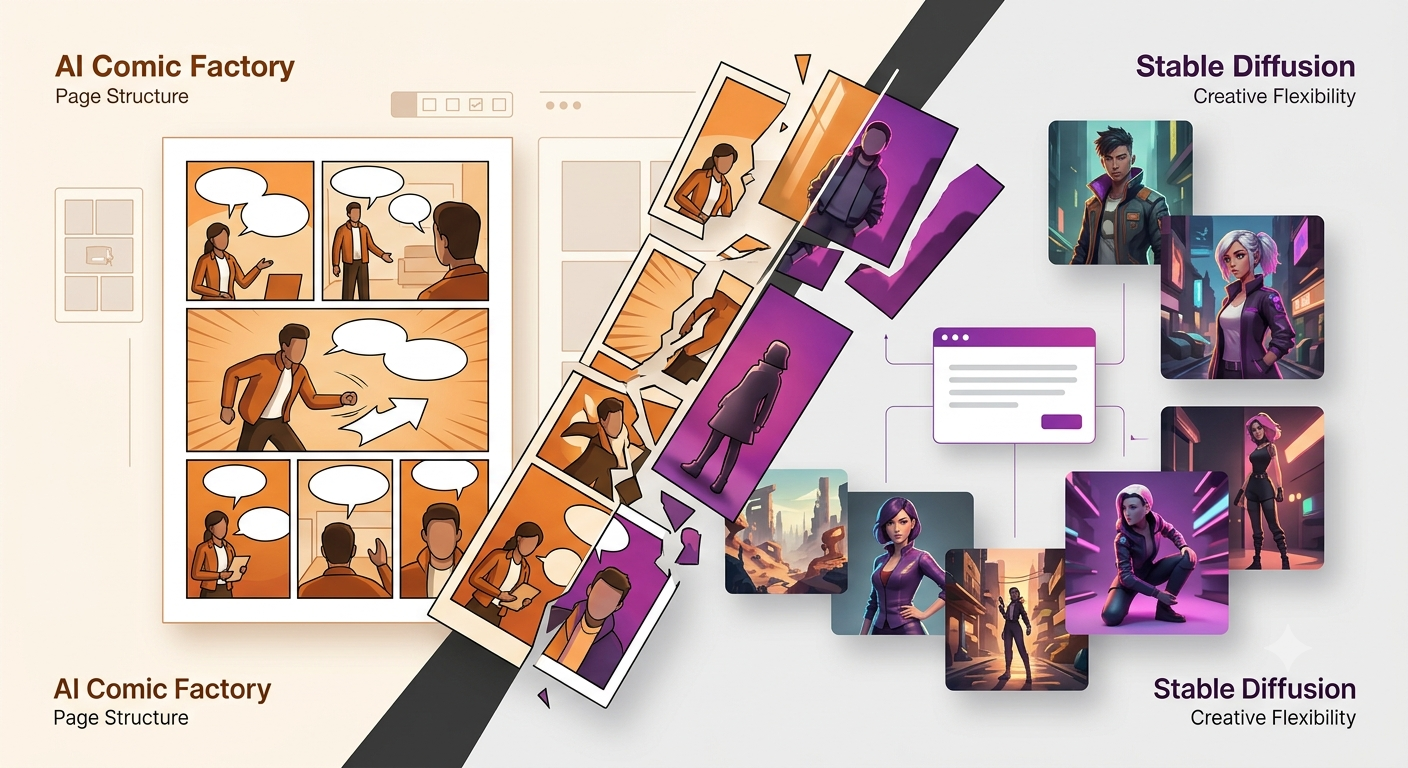
Stable Diffusion goes in the opposite direction. It’s minimalist, open-source, and flexible, with comic templates and styling options that let you experiment with different looks. The trade-off is speed. The free version can be slow, it needs fairly capable hardware, and the premium version starts around $9.99 per month without magically making the whole process effortless.
AI Comic Factory vs Stable Diffusion
Features, credits, pricing and practical differences
AI Comic Factory
Comic-focused AI creation
Single & Double Pages
Supports both single-page and double-page comic modes.
Credit Usage
One comic panel uses one credit.
Stable Diffusion
Flexible open-source image generation
Free to Use
Available for free, with subscription options starting around $9.99 per month.
Comic Creation
Offers comic templates, styling options and open-source flexibility.
Hardware Requirements
Generation can be slower and may require stronger hardware for local use.
Subscription options are available alongside free use.
How the pricing and free credits actually compare
The price is not just the monthly plan. It is also how fast you burn through credits, whether watermarks get in the way, and how much the tool makes you work for each finished panel. That part matters a lot more than people usually realize when they’re comparing tools on paper.
A free plan with 100 credits can sometimes feel more useful than a pricier plan with awkward limits. And sometimes “unlimited” sounds better than it turns out to be, because workflow speed, not just access, is what decides whether you stick with a tool. Here’s a simple way to think about it: if a tool saves time but costs a bit more, that might still be the cheaper option once your patience is factored in.
| Tool | Free access | Paid pricing |
|---|---|---|
| ComicsMaker.ai | 100 credits a month, no watermark | About $5 to $10 per month |
| Mage.space | One-time 300 Gems, unlimited generations on select base models | $10, $30, $60, or $200 per month |
| NightCafe | 5 credits a day plus daily challenge credits | About $5.99 to $9.99 per month |
| AI Comic Factory | Free plan with limited credits | $9.99, $13.99, or $34.99 per month |
| Stable Diffusion | Free version available | Starts around $9.99 per month |
Which problems still show up even in the best tools?
AI can move fast, but it still leaves you with cleanup. Some tools make prompt handling weaker, some push layout work back onto you, and some still stumble on quality from panel to panel. That’s the part people usually find out only after they’ve already started a project, and by then they’ve already invested time in it.
So even the best tool is not completely hands-off. If you want polished results, you’re still going to make small decisions, revise prompts, and sometimes generate the same scene a few different ways before it clicks. That doesn’t make the tools bad. It just means they work best when you understand what kind of compromise you’re signing up for.
The main trade-offs are obvious once you compare them side by side
Things to Keep in Mind
These are not tiny footnotes. They decide whether a tool feels fun for experimentation or annoying in a real workflow. And if you’re working on a comic meant to be shared, posted, or turned into a small project, that difference matters a lot.
FAQ
Q: Which AI tool is best for turning a photo into a comic without watermarks?
ComicsMaker.ai stands out here because the free plan includes 100 credits a month and no watermark. That makes it one of the easiest low-friction starting points if you want to test the idea before paying anything.
Q: Which tool is best if I want consistent characters across multiple panels?
Mage.space, NightCafe, and AI Comic Factory all support character consistency in different ways. Mage.space is especially strong if you want to use a reference image across images and video, while NightCafe and AI Comic Factory are also solid choices when repeating the same character matters.
Q: Is Stable Diffusion good for making comics?
Yes, but mostly if you want flexibility and don’t mind slower work. It has comic templates, styling options, and open-source control, but it isn’t the fastest or most polished option for someone who wants a simple click-and-go experience.
Best AI tools for turning photos into comics: Conclusion
If you want a photo to comic book generator that feels practical, the best choice depends on whether you value speed, layout control, or character consistency more than everything else. There isn’t one tool that wins every category, and honestly, that’s normal.
For most people, ComicsMaker.ai is the quickest place to start, while Mage.space, NightCafe, AI Comic Factory, and Stable Diffusion make more sense once you know exactly what kind of comic workflow you want. The best move is usually to try the one that matches your biggest pain point first, then decide from there.