Introduction
Students are trying to figure out which paid AI plan is actually worth the money for studying, coding, research, and exams, and the answer changes fast once you look at what each tool is good at. Compare ChatGPT Plus, Gemini, Claude, Perplexity and Copilot to find the best AI subscription for students for study, coding, research and exams.
The real question isn’t whether AI helps with school anymore; it’s which subscription matches the way you actually work. And honestly, that’s where most people get stuck. You can hear one student praise a tool for writing essays, while another swears by it for coding, and both might be right.
Quick Highlights
- Best all-rounder: ChatGPT Plus
- Best for Google users: Gemini AI Pro
- Best for long PDFs: Claude Pro
- Best for cited research: Perplexity Pro
- Best for Office work: Microsoft Copilot Pro
So, instead of chasing the loudest recommendation, it helps to look at the real tradeoffs. Some plans are better for deep reasoning, some are better for long documents, and some are basically built for the apps you already live in every day.
Why students pay for AI instead of staying on free plans
The upgrade usually starts when basic chat stops being enough and a student needs something faster, deeper, or less constrained. Maybe you’ve hit a message limit right before an exam. Maybe a free tool gives you a good answer once, then falls apart when you upload a file or ask a follow-up. That’s usually the moment people start looking at paid options.
In the raw comparison, the reasons are concrete: faster responses, better reasoning models, higher usage limits, longer conversations, file uploads, PDF analysis, image generation, coding assistance, research support, and voice conversations. That’s a lot, but the pattern is simple. Paid tools tend to remove friction.
That mix matters because the “best” plan is often just the one that removes the bottleneck in your own workflow. If you’re stuck summarizing lecture notes, a stronger file tool matters. If you’re coding late at night, response quality matters more. If you’re drowning in sources, search accuracy matters most.
Which AI subscription fits the way you study
The strongest decision point is not brand preference; it is whether you need coding help, long-document analysis, search with citations, or office-app integration. That’s the real split. Once you know your daily workflow, the choice gets a lot less confusing.
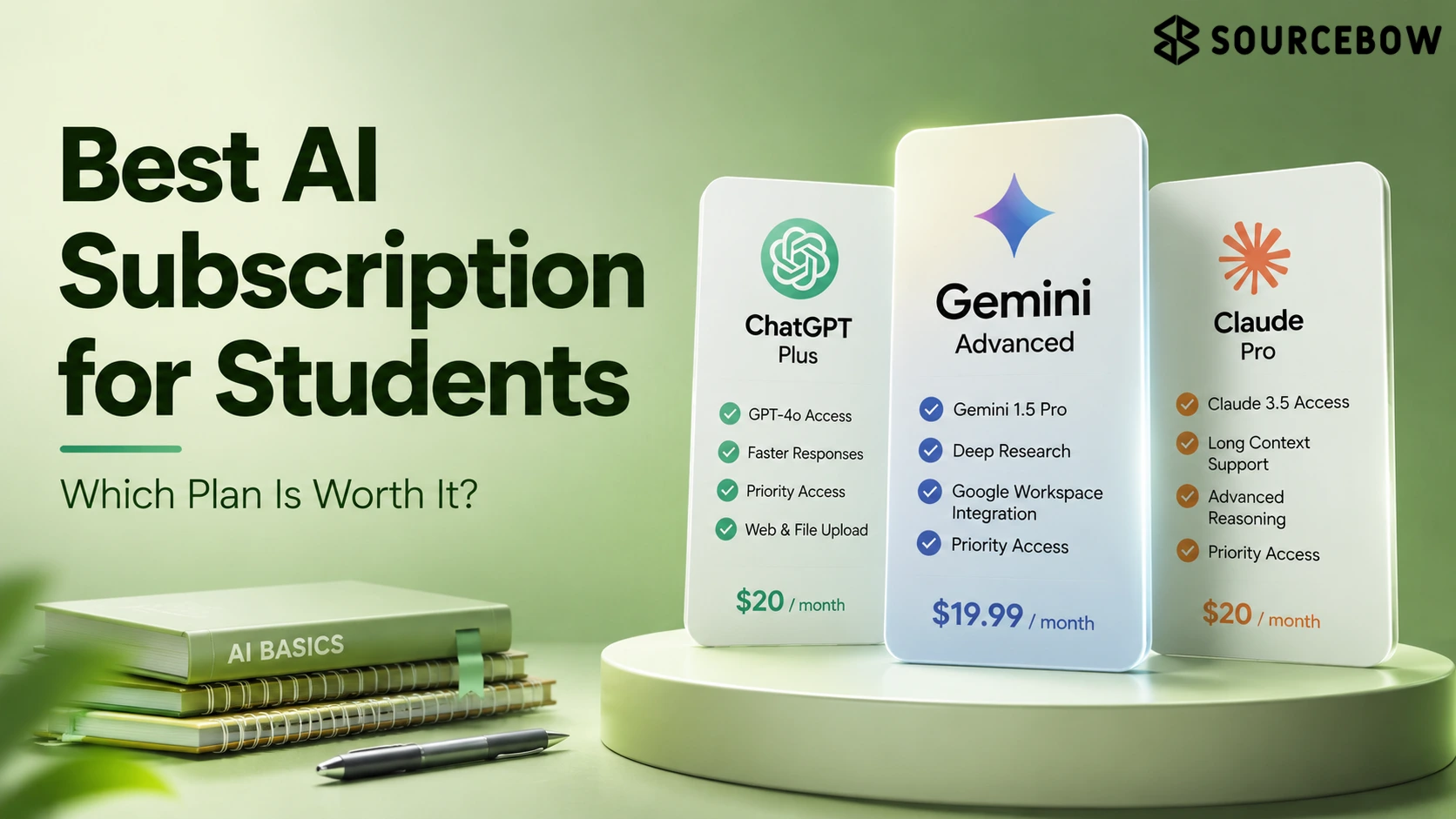
The article’s comparison table already points to the core tradeoffs: ChatGPT Plus for overall students and coding, Gemini AI Pro for Google users, Claude Pro for long writing and PDFs, Perplexity Pro for research, and Copilot Pro for Microsoft Office work.
| AI subscription | Best for | Major strength |
|---|---|---|
| ChatGPT Plus | Overall students | Coding, reasoning, assignments |
| Google AI Pro (Gemini) | Android and Google users | Docs, Gmail, Slides integration |
| Claude Pro | Research students | Long writing and PDFs |
| Perplexity Pro | Research | Search with citations |
| Microsoft Copilot Pro | Office users | Word, Excel, PowerPoint |
ChatGPT Plus is the most balanced option for students who do a bit of everything
At around $20/month, ChatGPT Plus is pitched as the broadest all-rounder, especially for engineering students, college assignments, coding, mathematics, competitive exam preparation, and presentation making. It’s the kind of plan that doesn’t force you to think too hard about what it can do. You just open it and get on with the work.
Its premium set includes OpenAI’s latest models, file uploads, image generation, deep reasoning, data analysis, voice mode, and custom GPTs where available, which is why it keeps showing up as the default recommendation. If you’re the sort of student who jumps from one task to another, that flexibility matters more than a shiny niche feature.
Google AI Pro fits students already living in Docs, Gmail, and Slides
Gemini’s advantage is less about raw novelty and more about being inside Google’s ecosystem. That can sound small, but if your whole academic life already runs through Google Drive, it’s a big deal. The less you have to copy, paste, upload, and switch tabs, the better.
The listed strengths are the Gemini app, Google Docs integration, Gmail assistance, Slides support, NotebookLM features depending on plan and region, and a large context window, with Google Docs users, Android users, and Google Workspace users as the clearest match. In plain English, it’s a smoother fit for students who want AI to sit quietly inside tools they already use.
Claude Pro is the one that makes long PDFs and essays less painful
Claude Pro stands out for law students, research papers, literature, essays, and long PDFs because its writing quality and document handling are the point, not an add-on. That’s where it feels different. It’s less about quick one-line answers and more about working through a large chunk of text without the whole thing turning into a mess.
The article stresses its very human-like writing, large context window, long document analysis, and natural explanations, while also noting the tradeoff: limited availability in some countries and weaker image generation. So if your main struggle is reading, rewriting, and structuring long material, Claude Pro can feel like a relief.
Perplexity Pro is built for research that needs citations
Perplexity is the clearest choice when a student wants AI-powered search instead of a chat tool pretending to be search. That distinction matters more than people think. If you care about where an answer came from, or you need to double-check current information, this is where Perplexity starts to make a lot of sense.
Its features are web search, source citations, multiple AI models, and research mode, which is why it works best for research, college projects, fact checking, and current affairs, even if it is less useful for creative writing and doesn’t replace a full productivity AI. In other words, it’s strong when truth and traceability matter more than polish.
Microsoft Copilot Pro matters most if your coursework lives in Word, Excel, and PowerPoint
Copilot Pro is the office-native option, built around Microsoft 365 rather than a standalone study workflow. If your assignment life is basically Word documents, Excel sheets, and presentation slides, that changes everything. You don’t want an AI that feels clever in theory but awkward in the app you use most.
The article lists Office integration, presentation generation, Excel assistance, and writing help, and says the best experience depends on the Microsoft ecosystem, which is why it fits Word, Excel, PowerPoint, and office-heavy students best. It’s not the flashiest option, but for certain students, it’s the one that quietly saves the most time.
Who should choose what: engineering, medical, law, MBA, design, and research students
The article gets more practical when it stops talking about features and starts mapping subscriptions to fields of study. This is where the decision becomes less abstract. A subscription can look average on paper and still be the perfect fit for your major.
The combinations are explicit: engineering students get ChatGPT Plus and Gemini AI Pro; medical students get ChatGPT Plus and Perplexity Pro; law students get Claude Pro and ChatGPT Plus; MBA students get Copilot Pro and ChatGPT Plus; design students get ChatGPT Plus and Gemini AI Pro; research scholars get Claude Pro and Perplexity Pro.
- Engineering students: ChatGPT Plus, Gemini AI Pro
- Medical students: ChatGPT Plus, Perplexity Pro
- Law students: Claude Pro, ChatGPT Plus
- MBA students: Copilot Pro, ChatGPT Plus
- Design students: ChatGPT Plus, Gemini AI Pro
- Research scholars: Claude Pro, Perplexity Pro
If that list feels a little overlapping, that’s normal. Students rarely fit into one box. A design student may still need research. An engineering student may still need long writing help. That’s why the best AI subscription for students is usually the one that matches your main pain point, not your entire identity.
When a free AI plan is enough, and when paid AI tools for exams make more sense
The article draws a clean line between occasional use and daily dependence. That’s the easiest way to think about it. A free plan is great when AI is a helper. A paid plan starts making sense when AI becomes part of your study system.
A free plan may be enough if you use AI occasionally, ask basic questions, or need short explanations; a paid subscription makes more sense if you study daily with AI, upload PDFs, need coding help, generate presentations, analyze data, or use AI for research regularly. So, the real question isn’t how important your exam is. It’s how often you rely on the tool to move your work forward.
That contrast matters because exam prep alone does not automatically justify a subscription — workload does. If you only open AI once in a while, free is probably fine. But if your laptop is open to AI every night, the value becomes a lot easier to see.
What to check before you buy a subscription
The final decision is less about features in the abstract and more about constraints that change the experience in practice. This is the part people skip, then regret later. A plan can look perfect in a comparison chart and still be annoying if it doesn’t fit your setup.
The article flags seven things to check: monthly budget, field of study, coding support, whether you use Google or Microsoft apps, file upload requirements, availability in your country, and daily usage needs.
It also warns that included features, usage limits, and regional availability can change over time, so the “best” plan is not static. That’s important. A good student subscription today might not stay the best one forever, especially as tools roll out new limits and features.
FAQ
These questions come from the smaller doubts readers still have after comparing the plans side by side.
Q: Which AI subscription is best for students overall?
ChatGPT Plus is the broadest all-round choice in this comparison, especially for coding, assignments, reasoning, and general study use.
Q: Is Claude Pro good for long PDFs and essays?
Yes. Claude Pro is positioned as one of the strongest options for long-form writing, document analysis, essays, and lengthy PDFs.
Q: Which AI plan is best for research with citations?
Perplexity Pro is the clearest fit if citations and source-backed answers matter most.
Q: Is paid AI worth it for exam preparation?
It usually is if you study daily, need deeper reasoning, or rely on AI for PDFs, coding, presentations, or research instead of just short answers.
Conclusion
There is no single best AI subscription for students, but there is usually a best fit for how you study, and that is the real decision the article settles on. Once you stop asking which brand is strongest in general, the answer gets clearer pretty quickly.
If you want the most balanced option, ChatGPT Plus is the safest starting point; if your work lives in Google, Microsoft, long PDFs, or cited research, the better choice shifts quickly to Gemini AI Pro, Copilot Pro, Claude Pro, or Perplexity Pro. That’s the honest takeaway. Pick the plan that removes your biggest friction, not the one that sounds best in a vacuum.