Introduction
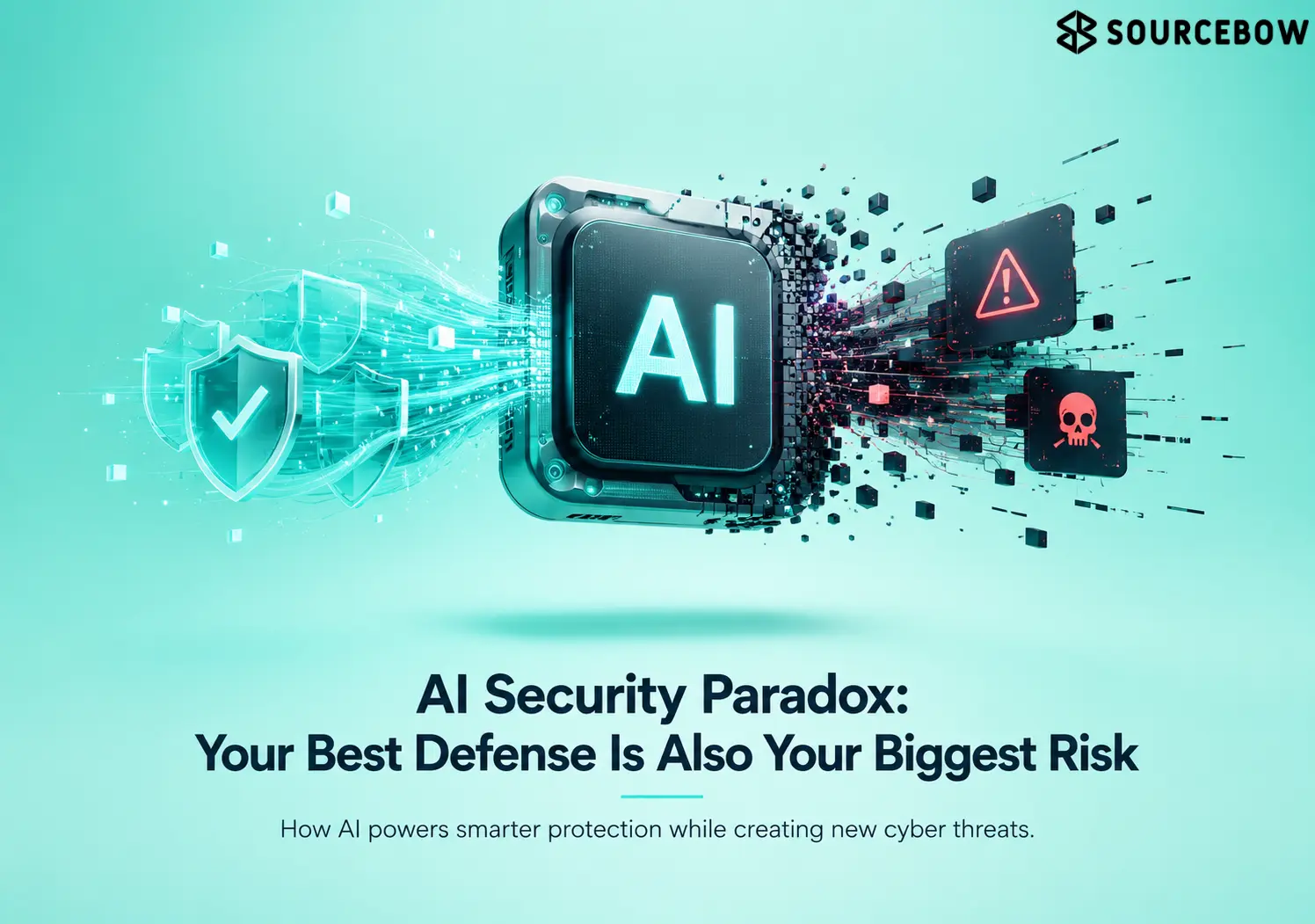
AI is showing up everywhere right now. Customer support, software development, fraud detection, data analysis, cybersecurity, internal decision-making — it’s being plugged into almost every part of work. And that’s exactly why the AI Security Paradox is no longer some abstract idea people talk about in conference slides. It’s real, and it’s already shaping how companies think about risk.
Here’s the thing: the same systems that promise speed and efficiency can also pull in sensitive data, credentials, prompts, models, and tools that security teams now have to watch much more closely. So the productivity story is only half the picture. The other half is a growing set of questions about what these systems can see, touch, and accidentally expose.
Quick Highlights
- AI can help security teams move faster.
- The same tools can widen exposure fast.
- Access matters more than the model itself.
- Agents create more risk than simple chatbots.
- Controls need to start before rollout.
What makes AI a security gain and a security risk at the same time?
AI gets adopted quickly because it really can help. Security teams use it to spot unusual behavior, sort through huge alert volumes, and respond faster when something looks off. That’s not hype. In a world where analysts are drowning in noise, a system that can surface the weird stuff first is a big deal.
But the other side of that advantage is hard to ignore. Attackers can also use AI for phishing, reconnaissance, malicious code, and model manipulation. So the equation gets uncomfortable fast: more AI capability means more defensive capability and more attack capability. That’s the paradox in plain English.
The catch is simple, even if the systems themselves are not: the system is only as safe as the data, permissions, controls, and processes around it. A powerful model with sloppy access rules is still a risk, no matter how smart it sounds in a demo.
Why AI can catch what humans miss in millions of events
AI can analyze large logs, detect unusual login patterns, prioritize alerts, and summarize incidents that would otherwise bury analysts. That matters a lot when teams are already overwhelmed. A person can only look at so many events in a shift, but AI can chew through millions of signals and point to the strange ones.
Still, that doesn’t erase the trust problem sitting underneath the automation. It just changes where the pressure lands. Instead of asking whether humans can see everything, you start asking whether the system is filtering correctly and whether it’s safe to trust the output.
Why attackers like the same capabilities security teams want
Attackers love efficiency too. AI can generate more convincing phishing attacks, automate reconnaissance, and scale attacks much faster than manual effort allows. The same qualities that make it useful for defense also make it useful for abuse.
It can also imitate writing styles, translate content, and produce fake communications that are harder for employees to spot. That’s a subtle but important shift. A suspicious email used to have odd grammar or clumsy phrasing. Now it might sound polished, local, and oddly believable.
Where AI access turns useful systems into exposed systems
The risk jumps when AI is connected to internal company resources like internal documents, customer information, source code, email, cloud storage, databases, business applications, APIs, and company knowledge bases. That’s when a helpful assistant stops being just a tool and becomes part of the company’s operational nervous system.
The more useful the tool becomes, the more access it tends to get. And that’s exactly where exposure starts to grow. You might not notice it at first, because each new connection feels minor. But together, those connections create a much wider surface area for mistakes, misuse, and manipulation.
Why access to data is the price of usefulness
AI needs access to information to be useful, but that same access can expose sensitive material if the system is manipulated or the connected application is exploited. That’s the tradeoff people often underestimate. It’s not enough to ask whether the model is accurate. You also have to ask what it can read in the first place.
This is where the question shifts from “is the model accurate?” to “what can this system reach?” That’s a much more practical security question, and honestly, a more dangerous one.
What changes when an AI agent can do more than answer
Traditional chatbots mostly respond to prompts, but AI agents can retrieve information, interact with software, execute workflows, send messages, modify records, and call external tools. That makes them useful in a very different way. They are not just conversational interfaces anymore; they’re action layers.
A compromised chatbot may give bad information. A compromised AI agent could take an unauthorized action. And that difference matters a lot when the action involves money, records, customer data, or access to systems that were supposed to stay locked down.
Which AI attacks are showing up first?
Prompt injection, AI data leakage risks, AI model theft threats, and AI phishing attack tools are the clearest near-term risks because they attack the way these systems read, share, and act on information. In other words, the problem isn’t just who gets in. It’s what happens after they’re in.
The practical issue is not only whether someone can reach the system, but whether they can influence what it does after access is granted. That’s the part that makes AI security feel different from older software security problems.
- Prompt injection: malicious instructions hidden in prompts or in external documents the AI processes.
- Data leakage: confidential information entering AI tools through employees, developers, or connected databases.
- Model attacks: data poisoning, model manipulation, model theft, adversarial attacks, sensitive information leakage, and unauthorized model access.
- Social engineering: personalized phishing messages, fake content, and style imitation that make fraud harder to spot.
Why prompt injection matters more when tools and sensitive data are connected
Prompt injection becomes more dangerous when an AI system can access tools or sensitive information, because the attacker is no longer only trying to confuse the model. They’re trying to steer behavior. That’s a big leap.
The real question becomes whether the attacker can influence the actions the system takes after reading the malicious instruction. If the answer is yes, then the issue is no longer a weird prompt. It’s an operational security problem.
Why the data problem is usually created by normal work, not bad intent
Employees may paste confidential information into AI tools, developers may share proprietary source code, and companies may connect internal databases without understanding how the data flows. None of that usually happens because someone is trying to cause harm. It happens because people are trying to get work done.
That means a secure database can still feed an insecure AI workflow if the usage policy is loose. And that’s the part many organizations miss at first: the data might be protected in one place and accidentally exposed in another.
What security teams have to control before AI gets broad permissions
The biggest mistake is treating AI like another SaaS tool and assuming existing controls are enough. They’re not. AI systems need a closer look because they behave differently, connect to different things, and sometimes act with more autonomy than teams realize.
Security teams need to know what the AI can see, access, change, and be told to do before it is given broad permissions. That sounds basic, but it’s often where deployments get rushed. Once the system is live, the blast radius is already there.
| Question to answer | Why it matters | Example risk |
|---|---|---|
| What can the AI see? | Defines exposure | Internal documents, customer data, email |
| What can the AI access? | Defines blast radius | Databases, APIs, cloud storage |
| What can the AI change? | Defines action risk | Records, workflows, messages |
| Who can instruct it? | Defines control | Any user, or only approved roles |
| What happens if the AI is manipulated? | Defines failure mode | Unauthorized actions or data exposure |
Why least privilege matters more for AI than for normal software
Greater capability usually requires greater permissions, but AI should still follow the principle of least privilege. In simple terms, give it only what it needs to do the job — not the full keys to the building just because it’s convenient.
A read-only assistant is one risk; an agent with access to databases, email, cloud storage, code repositories, and business applications is another entirely. The more places it can go, the more things can go wrong if the system gets tricked or compromised.
Why traditional security controls still matter, but do not finish the job
Firewalls, endpoint protection, identity controls, encryption, and access management still matter. A lot. But they don’t answer the AI-specific questions around context, monitoring, validation, and human oversight. That’s where the old playbook starts to feel incomplete.
After access is granted, teams still have to ask whether the AI retrieved more than it needed, followed malicious instructions, sent data elsewhere, or executed an unsafe workflow. So yes, the basics still matter. They just aren’t the whole story anymore.
What automation bias does to employees, developers, and security teams
Employees may trust AI-generated answers without verifying them, developers may accept AI-generated code too quickly, and security teams may lean too hard on automated alerts. That kind of trust feels efficient until it isn’t.
It can be useful until it becomes a shortcut. And shortcuts are often where security problems hide, because people stop checking the edge cases that matter most.
What organizations should do now to reduce AI security risk
Organizations do not need to stop using AI; they need to make adoption measurable, controlled, monitored, and secure. That’s the healthier mindset. Panic doesn’t help, but blind enthusiasm doesn’t either.
The response has to start before deployment, not after a problem shows up in production. By the time something breaks, the system may already be deeply connected to business data and business workflows.
- Map every AI system: track approved tools and shadow AI employees use on their own.
- Control AI permissions: prefer read-only access and require extra verification for high-impact actions.
- Protect sensitive data: set rules for customer, financial, authentication, and proprietary information.
- Monitor AI activity: watch for unusual prompts, unexpected data access, suspicious tool calls, and abnormal behavior.
- Test AI systems like security-critical software: check for prompt injection, data leakage, excessive permissions, unsafe tool usage, and unexpected behavior.
- Keep humans in the loop: require approval for sensitive operations when the cost of a mistake is high.
Conclusion
The AI Security Paradox is real: AI can defend faster, automate more, and still widen the attack surface at the same time. That tension isn’t a side effect. It’s the core issue.
The right response is not to slow AI down blindly, but to control what intelligent systems are allowed to see, decide, and do. If you remember only one thing, remember that. Helpful systems need boundaries, and AI is no exception.
FAQ
These questions come from the smaller doubts readers usually have after they understand the main risk: what specific attacks look like, whether AI agents are different from chatbots, and whether current controls are enough.
Q: What is prompt injection in AI security?
It is when an attacker hides instructions in a prompt or in content an AI processes, trying to influence what the system does next.
Q: Why are AI agents riskier than chatbots?
Because agents can do things, not just answer questions. They may retrieve data, send messages, modify records, or call tools, which creates a much larger blast radius if they are compromised.
Q: What is least privilege for AI?
It means giving an AI system only the access it needs to do its job, and nothing more. That is especially important when the system can reach databases, email, cloud storage, or business apps.
Q: Can AI leak sensitive data even if the database is secure?
Yes. If employees, developers, or connected applications send sensitive information into AI tools, the leak can happen outside the database itself.