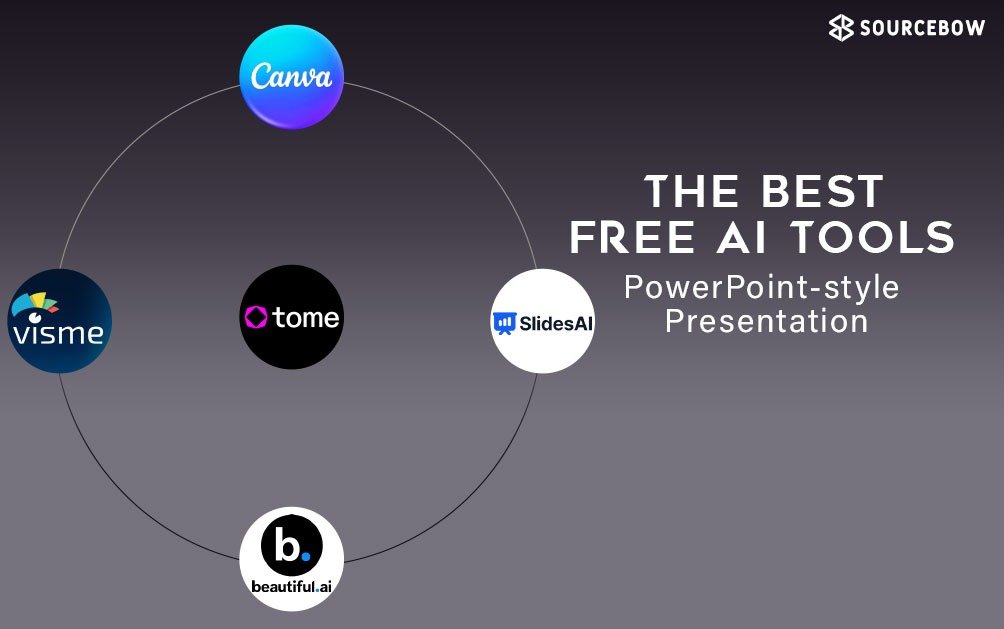
Whether you are a student, teacher, freelancer or business professional, creating a presentation matters. But let’s be honest: building slides, picking layouts, finding images and making everything look good takes time. That’s where free AI tools come in — they help you produce slides faster, better and with less stress. Here are some of the best free AI tools for powerpoint worth checking out when you need to make presentations.
What makes a good AI presentation tool?
Before we jump into the list, a quick note on what you should look for:
- It should let you start from a simple idea or prompt and generate slides, layouts or visuals.
- It should help you customise easily (change colours, fonts, add your brand or voice) rather than lock you into rigid templates.
- It should export in formats you can use (PowerPoint, PDF, Google Slides) or let you continue editing afterwards.
- The free version should offer something useful — not just a trial that ends in minutes.
- Bonus if it supports collaboration, image generation or automatic layout design.
Top Free AI Tools for Presentations
Here are tools that stand out right now:
Canva
Canva is already a popular design tool, and its AI-powered presentation features make it even better. With prompts you can generate visual slides, add images, customise templates and collaborate in real time. It offers a free plan that gives you a lot of flexibility.
Best for: Non-designers, teams, school/college projects.
Visme
Visme offers an AI presentation maker that lets you convert a prompt into slides, customise visuals, and share or download your work. It has a free version with limited credits, which is enough for many casual users.
Best for: Educators, freelancers, professionals who want more control over visuals.
Beautiful.ai
Beautiful.ai uses “Smart Slides” to arrange the content automatically, so you don’t spend time adjusting layouts. Its free plan is more limited, but if you’re looking for slide quality and speed it’s a solid option.
Best for: Presentations where look & feel are very important.
SlidesAI
SlidesAI is tailored for converting text or outlines into presentation slides quickly. It’s great when you already have content and want to get it into a polished deck fast.
Best for: Students, professionals who have content ready and need a slide deck quickly.
Tome
Tome is more than just slide creation — it gives you narrative tools, image generation, and interactivity. The free tier offers enough to test things out.
Best for: Creatives, storytellers, pitch decks.
Why you will probably use these
There are a few big reasons these tools are useful:
- Save time: Instead of getting stuck on changing layouts or hunting for images, you get a jump-start.
- Better visuals: Many of the templates and AI-generated visuals lift your slides beyond basic.
- Accessibility: You don’t need advanced design skills. These tools help you look good even if you’re not a designer.
- Flexibility: Most tools let you export to PowerPoint or PDF or continue editing — you’re not locked in.
What to watch out for
No tool is perfect and these AI-powered ones have a few limitations:
- Free version limits: Many tools limit the number of slides, exports or AI credits on free plans. If you use them regularly you might hit paywalls.
- AI quality varies: The AI might generate something workable, but you’ll likely need to tweak text, visuals or layout. Don’t expect “perfect” automatically.
- Customisation constraints: Sometimes you’ll have to compromise on certain layout or brand details unless you pay for premium.
- Export & compatibility: If you export to PowerPoint and then edit further, formatting might shift slightly in some cases.
- Data and privacy: When using free tools, check how your data and uploaded content are handled.
Final thoughts
If you’re making a presentation soon and you don’t want to start from scratch, one of these AI tools can help you get there faster and with better visuals. The key is: use the free versions to test, pick the one whose workflow you like best, and don’t expect “set and forget” results — some manual tweaking will still give you the edge.
In short: these tools won’t replace the design skill or story you bring to your slides, but they make building the deck a lot less painful.