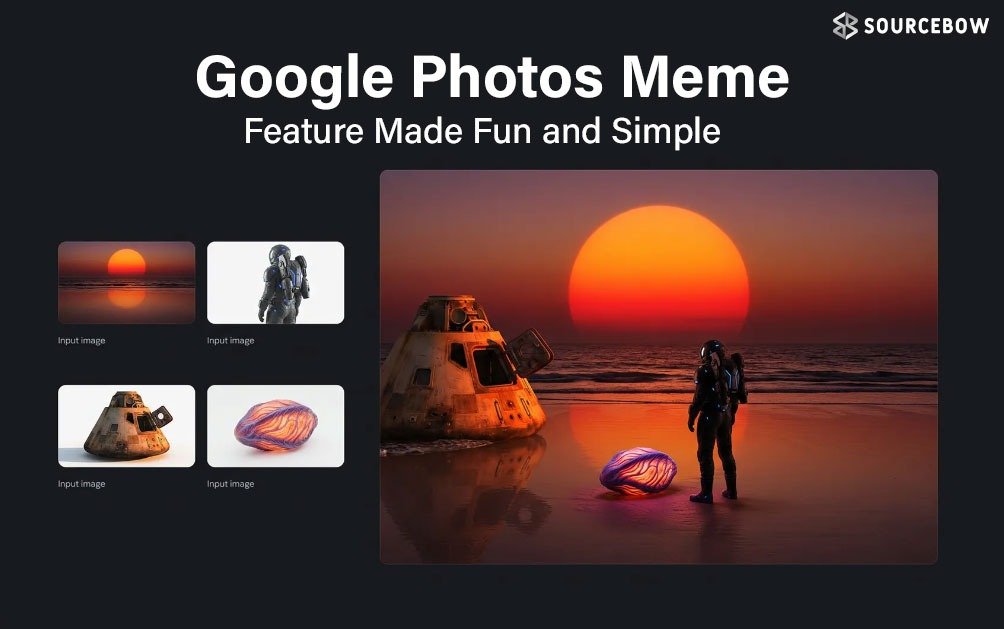
Google Photos Meme Feature Explained Simply and Clearly
Google Photos has always been a quiet and trustworthy app. It holds memories, removes clutter, and brings back forgotten moments when least expected. Recently, something a bit more fun has crept into the app. A new meme feature has been introduced within its AI features, and it is a game-changer in terms of how photos can be utilized in a fun manner.
This feature is not loud or attention-seeking. It quietly resides within the app, waiting to be found. Once discovered, it gives a small chance to use regular photos as a tool to create a joke or a moment to be shared. For people who are already using Google Photos, this feature seems like an organic addition rather than a drastic one.
This is how the meme section works and what needs to be kept in mind before trying it out.
A small update with a fun twist in the Google Photos meme feature
The meme option did not arrive with massive noise. It came quietly with a regular update, which is why many users may miss it at first. This tool lives inside Google Photos’ AI powered create section. The idea is simple. Pick a photo, let the AI help, and turn it into a meme without using any third party apps.
However, before getting too hyped, there is one thing that needs to be remembered. This feature is not available in all areas just yet. Some areas may be able to see this feature, while others cannot. This depends on the location and account distribution. If the feature does not appear, it is likely that the update has not yet been distributed to that country or account yet.
The first thing that one needs to do is check if the app is updated. Without the update, the meme feature will not even be accessible.
Ensuring the Google Photos meme feature is available
In order to access the meme feature, the Google Photos app has to be updated to the latest version from the Play Store or App Store. Once the update is done, the app has to be opened as usual.
Even after the update, it is always best to be patient. Sometimes, it takes a little time for the feature to be activated on the back end. A restart of the app or a check later will solve the problem. If the feature is not accessible, it is most likely that it has not been rolled out to that region yet.
This slow rollout style is typical for Google. Features arrive in waves, not all at once. It keeps things stable, but it also means some users get early access while others wait.
Where the Google Photos meme feature lives inside the app
Once Google Photos is open, the process is straightforward. On the main screen, there is a Create option. This section already includes tools for collages, animations, and other creative formats.
Inside this Create section, a new option appears. This is the meme feature. It does not hide behind multiple menus or complicated settings. It sits alongside other creative tools, easy to tap and explore.
Tapping on it opens the meme creation flow.
Picking the right photo for the Google Photos meme feature
After opening the meme option, the app asks for a photo. This step looks simple, but it matters more than it seems. Not every photo works well as a meme. Clear expressions, reactions, awkward moments, or candid shots usually perform
best.
- A group photo where someone blinked
- A pet looking confused
- A friend mid sentence
These everyday images suddenly feel useful again. Photos that once sat untouched now find a second life.
The AI does the heavy lifting, but the source image still shapes the result. A good base photo makes the meme feel
more natural and less forced.
How the Google Photos meme feature creates memes
Once a photo is selected, the AI steps in. It generates meme style text suggestions based on the image. This is where the feature feels surprisingly smooth. There is no need to manually type captions unless desired.
The process feels light and quick. Tap, wait a moment, and the meme appears. No complex editing tools. No cluttered sliders. Just a simple flow that gets to the point.
It feels designed for casual use. Something to make and share in a minute, not a long editing session.
Things worth keeping in mind about the Google Photos meme feature
This meme feature is fun, but it is still early. It does not replace full meme editing apps. Text control may feel limited. Customization options are basic. And sometimes the AI suggestions may feel slightly off.
That said, the charm lies in its simplicity. It is built for people who normally do not make memes at all. The kind who just want a quick laugh without learning new tools.
Also, since this is AI driven, results may vary. Some memes will land perfectly. Others may miss the tone. That unpredictability is part of the experience.
Why the Google Photos meme feature makes sense
At first glance, memes inside a photo storage app feel unexpected. But when looked at closely, it fits. Google Photos already understands images deeply. Faces, expressions, moments. Turning that understanding into humor feels like a natural step.
Photos are no longer just archives. They are social currency. Turning a memory into a meme keeps it alive in a different way. It moves from storage to sharing.
This feature does not try to change how Google Photos works. It simply adds a playful layer on top.
Who will enjoy the Google Photos meme feature most
This tool is perfect for casual users. People who scroll through photos and suddenly think, this would make a funny meme. It removes friction. No exporting. No switching apps. Everything stays in one place.
It is also useful for quick reactions in chats. Instead of typing a reply, a meme from personal photos feels more personal and expressive.
For heavy meme creators, it may feel limited. But for everyday users, it hits the sweet spot.
A Google Photos meme feature that feels human, not forced
The best part about this meme option is that it does not scream for attention. It waits quietly until someone stumbles upon it. When used, it feels natural, almost obvious. Like it should have been there already.
There is no pressure to use it. No notifications pushing it. Just an option sitting there, ready when needed.
That restraint makes the feature feel more thoughtful than gimmicky.
Ending thoughts on the Google Photos meme feature
The new meme option in Google Photos is small but meaningful. It brings character to an app that has always been functional. By keeping the process simple and easy to use, Google makes meme creation not feel like something to do,
but something that happens.
- Open Google Photos
- Tap Create
- Select the meme option
- Select a photo
- Let the magic happen
It is not about being perfect. It is about taking normal photos and making them shareable, making them fun, making them bring a quick smile. And sometimes, that is all a feature has to do.